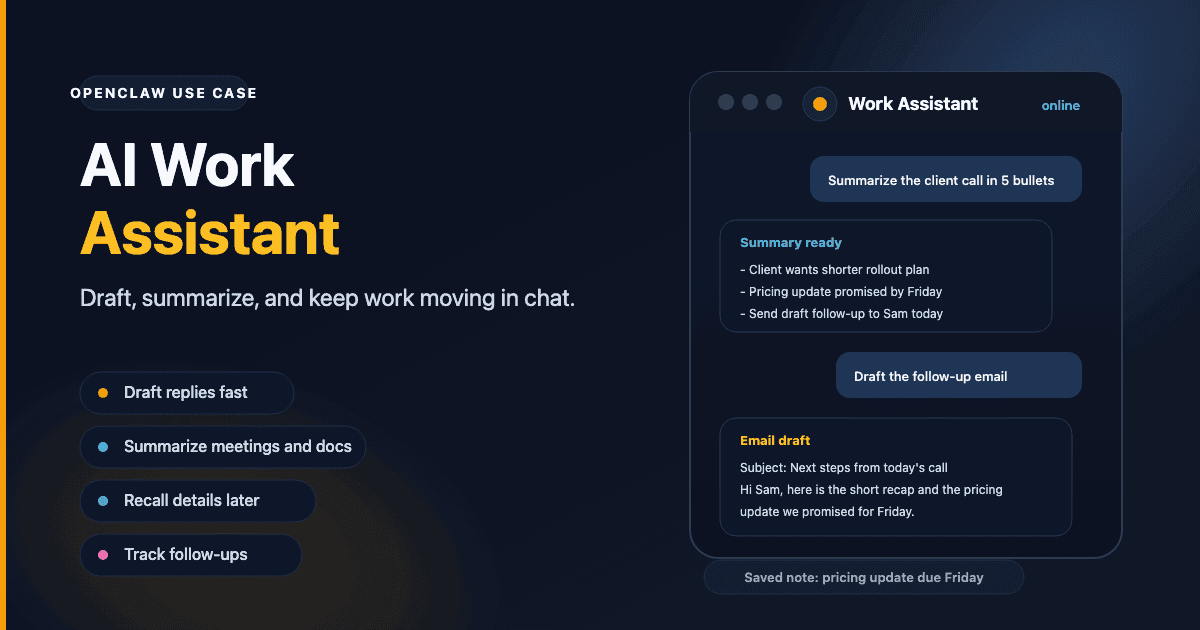
Why an AI work assistant in chat beats a browser tab
Most AI work assistant tools live in a browser tab. You switch away from Telegram, Discord, or Feishu, ask a question, then switch back to the place where the work actually happens. That extra tab sounds small, but repeated all day it adds real friction.
OpenClaw works as an AI work assistant inside the chat app you already keep open. You can ask for a draft, summary, or quick answer in the same thread where you noticed the problem. Because it runs on a dedicated server, it stays available even when your laptop is closed.
For work tasks centered on text, notes, and quick retrieval, this fits into a normal day without asking you to adopt another app.
| Setup | Best for | Main tradeoff |
|---|---|---|
| Browser AI tab | One-off prompts and search-heavy questions | Constant tab switching and no ongoing thread in your chat app |
| Desktop AI app | Longer focused sessions on one device | Another app to keep open and manage |
| OpenClaw in Telegram or Discord | Drafts, summaries, quick answers, and follow-ups in the same conversation | Needs initial setup on a dedicated server |
If all you need is search-style Q&A, a browser-first tool like Perplexity is simpler. OpenClaw makes more sense when you want the same assistant to stay in your work chat, keep context, and remember notes you can return to later.
What it handles well during a normal workday
Drafting and editing
For writing tasks, OpenClaw works like an AI writing assistant inside chat. Paste a rough email and ask for a cleaner version. Write a bullet list and ask for it turned into a paragraph. Ask the bot to shorten something without losing the key points.
The back-and-forth is fast because it stays in one conversation thread. You are editing in-context rather than copy-pasting between apps.
Summarizing long content
Paste a document, transcript, or long thread and ask for a summary. Ask follow-up questions about specific parts. The bot keeps the conversation context for follow-up questions, so you usually do not need to re-paste the source right away.
Quick lookups
Ask a factual question mid-meeting. Look up a formula, a code detail, or a policy. Get an answer in the same place you are already working.
Add a web search skill via ClawHub for lookups that require current information. The bot can run a search and report back. The skills guide covers how to install it.
Tracking loose ends
Tell the bot what you need to follow up on. Come back later and ask what you mentioned. OpenClaw keeps memory notes in Markdown files and stores session transcripts on the server, so it can look back at saved context later. The memory docs explain how that works.
This is not a task manager. But if you handle a lot of unstructured information throughout the day, a bot that remembers what you said is genuinely useful.
Where it stops
OpenClaw is strongest as a chat-first assistant. If you want calendar, email, or project-tool workflows, those usually come from extra skills or custom integrations rather than the base setup.
If you need full workflow automation out of the box, this is not the right tool. For the writing, thinking, and research parts of your workday, it fits well.
AI writing assistant: model choice for work tasks
For most daily work, start with a fast, lower-cost model. Use /model list to see what your instance supports right now, then pick a lighter option for drafts, summaries, and everyday Q&A.
When a task gets harder, switch to a stronger model for that session. Long documents, dense analysis, and higher-stakes writing are the usual times to do it. The /model command updates the active session model in real time. The slash commands docs cover the exact command behavior.
See the model selection guide for a practical way to choose a default without overspending.
Getting started
Lite is usually enough for one-person daily use. If you expect longer sessions or heavier traffic, compare the current options and managed AI credit add-ons on the pricing page.
If you mainly live in one chat app, see the Telegram bot use case or the Discord bot use case. If the privacy angle matters more than the workday angle, the private AI assistant use case is the closer match.
Go to the deploy wizard to start your setup, or read the OpenClaw getting started guide first if you are new to the platform.