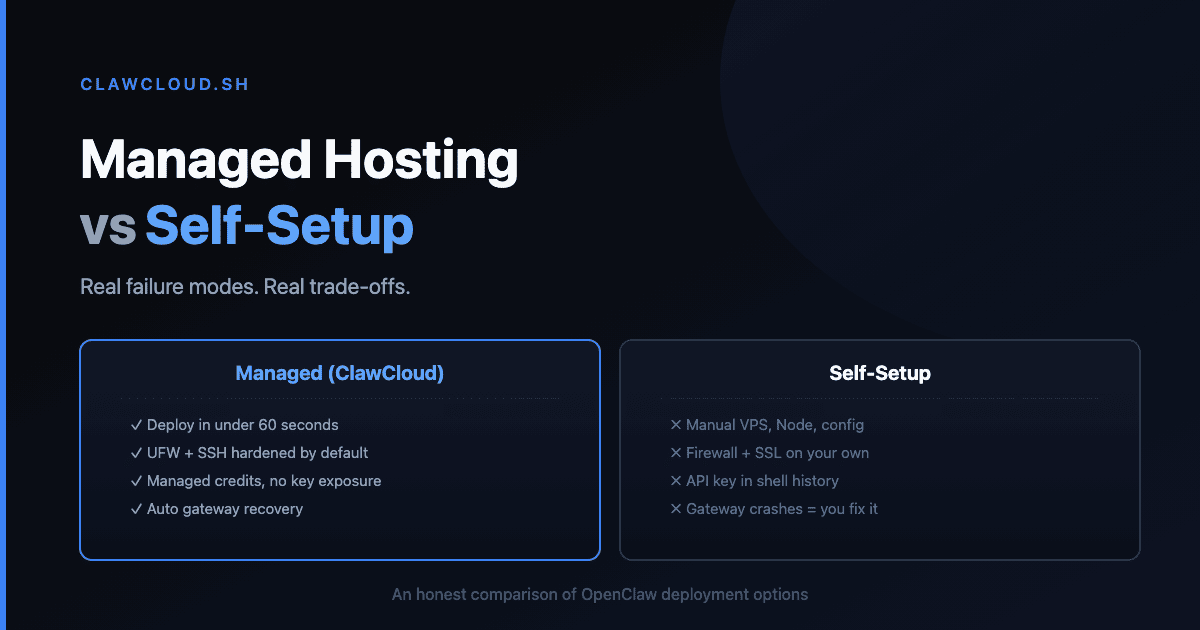
Someone on Reddit recently asked: "Has anyone built a version of OpenClaw that is user-friendly?" Another post in the same week: "Spending out of control or did I set up something wrong?"
These aren't edge cases. The OpenClaw GitHub repo averages dozens of new issues daily, and community tools like ClawAid exist specifically to diagnose and repair broken installations. Self-hosting works, but it's not the 5-minute experience the README implies.
Here's what each path actually involves.
Self-hosting: what you sign up for
Initial setup takes more than npm install and openclaw onboard. You need Node.js 22+, a valid API key from OpenRouter or a direct provider, and a server that stays online. The config file (openclaw.json) has nested objects for models, channels, agents, and gateway settings. One wrong key shape — writing the model as a string instead of an object — breaks things silently.
Platform-specific pain is real. Windows users report "two days of endless errors." Docker setups hit permission and volume mount issues. VPS users hit restart and service recovery bugs — 2026.3.8 fixed several gateway restart failures that could leave the service in a broken state.
Upgrades break things. OpenClaw 2026.3.2 changed the default tools profile to messaging for new installs and removed the old plugin HTTP handler API. 2026.3.7 made gateway.auth.mode mandatory when both token and password are configured — existing dual-auth configs without it stopped working. Each upgrade requires reading release notes, checking for breaking changes, and testing before you restart. Miss one, and your bot goes offline.
Credit management is manual. If you use OpenRouter with a spending limit, you need to monitor usage yourself. One user described their spending as "out of control" because they didn't realize which model they'd been switched to. There's no automatic fallback when credits run out — your bot just stops responding.
Security is your responsibility. A front-page Hacker News thread recently called out "many OpenClaw plugins with malware." You need to vet every skill you install, manage API key rotation, configure gateway access controls, and handle network hardening on your VPS.
Managed hosting: what you get
A managed service like ClawCloud handles the infrastructure and ongoing maintenance:
| Self-Setup | ClawCloud | |
|---|---|---|
| Server provisioning | Manual (VPS, Docker, or local) | Under 1 minute, dedicated VM |
| Node.js + dependencies | Install and maintain yourself | Pre-installed, correct versions |
| Config management | Edit openclaw.json manually | 3-step wizard, dashboard |
| Upgrades | Read release notes, test, restart | Auto-updates, tested rollouts |
| API key setup | Get key, configure provider | BYOK or managed credits (no key needed) |
| Credit monitoring | Manual OpenRouter dashboard | Dashboard with usage tracking, monthly reset |
| Security | UFW, key rotation, skill auditing | Managed infrastructure, isolated VM |
| Uptime | Your server, your problem | Dedicated VM with health monitoring |
| Channels | Configure tokens manually | Wizard handles Telegram, Discord, WhatsApp, Feishu |
| Cost | VPS ($5-20/mo) + API costs | $29-109/mo (server + support included) |
The real trade-off
Self-hosting costs less in dollars. A $5 VPS plus BYOK API costs can be cheaper than ClawCloud's $29/mo Lite plan. But it costs more in time — you're the sysadmin, the debugger, and the on-call rotation for your own bot.
Managed hosting costs more in dollars but removes about 90% of the maintenance work. You're paying to not deal with config corruption, upgrade breaks, daemon probe crashes, and credit exhaustion surprises.
There's no wrong answer here. If you enjoy server administration and want full control, self-hosting is fine. If you want your OpenClaw bot running reliably without thinking about infrastructure, that's what managed hosting is for.
For more on the specific pain points of self-hosting, see Self-Hosting OpenClaw Is Harder Than You Think. For common npm install errors, see the npm error guide. To try managed hosting, see Getting Started with OpenClaw on ClawCloud.