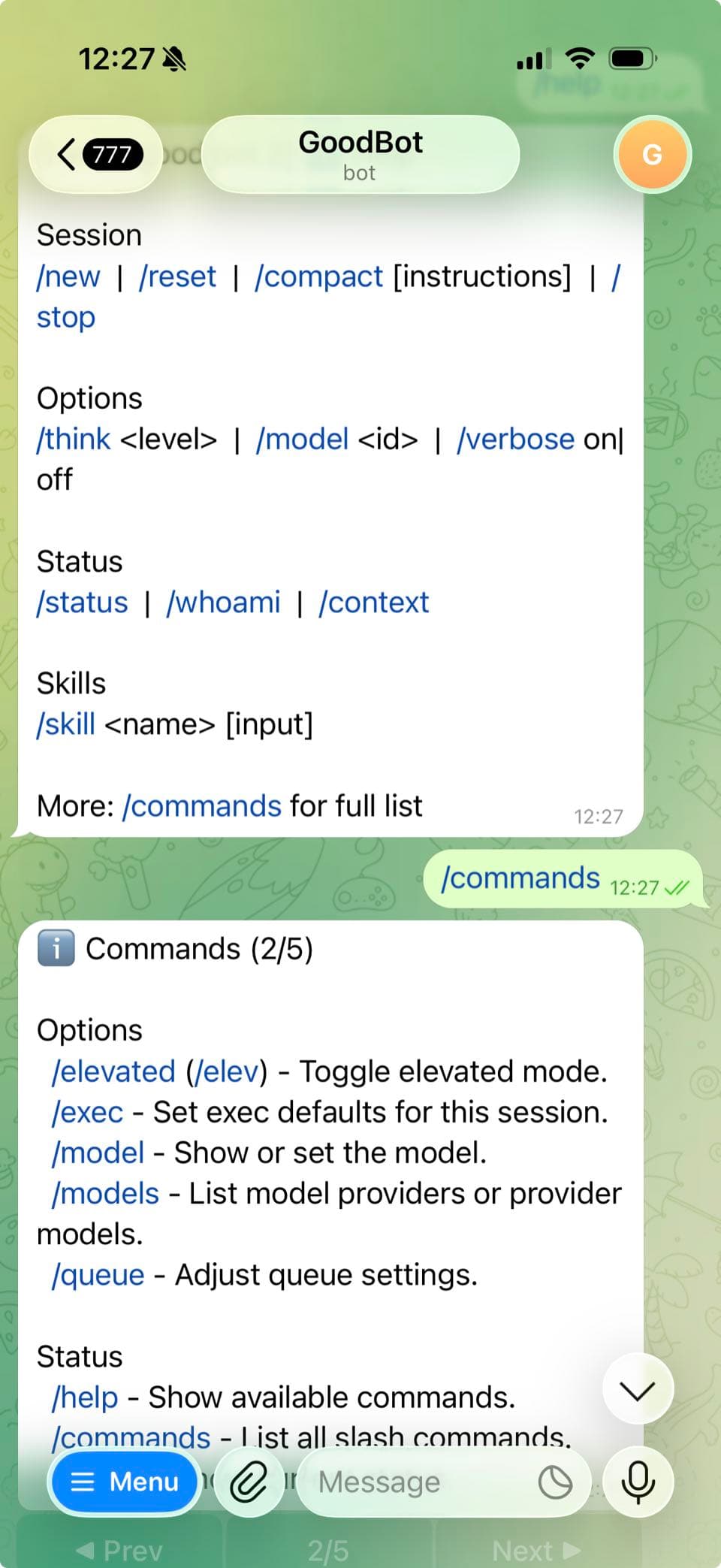
For a conversion-focused overview of Telegram bot hosting options, see OpenClaw Telegram Bot Hosting.
OpenClaw Telegram Bot Hosting (Support Terms)
If you searched for openclaw telegram bot hosting, deploy openclaw telegram bot, or openclaw telegram bot setup, this page covers the fastest deployment path on ClawCloud.
Why self-managed Telegram bots slow teams down
Running an AI assistant on Telegram sounds straightforward until you actually try it. You need a server, Node.js, OpenClaw installed and configured, a bot token from BotFather, environment variables set correctly, and a process manager to keep it running.
Most people spend hours — sometimes days — getting all the pieces working together. And even when it works, your bot goes offline whenever your laptop sleeps or your VPS needs a reboot.
How ClawCloud deployment works
ClawCloud gives your Telegram bot a dedicated cloud server that runs 24/7. No SSH is required. The setup takes three steps:
- Pick your AI model — Claude, GPT, or Gemini. Bring your own key or add managed AI credits.
- Paste your Telegram bot token — Create a bot with BotFather (takes 2 minutes), copy the token.
- Click Deploy — Your server is provisioned and your bot is live in under a minute.
That's it. Your bot is online, responding to messages, and stays running even when you're not at your computer.
What you can do with a Telegram OpenClaw bot
- Personal AI assistant — Ask questions, get summaries, brainstorm ideas, all from your Telegram chat.
- Team tool — Add the bot to a group chat so your whole team can interact with it.
- Customer support — Connect it to a business Telegram channel for automated responses.
- Content creation — Generate drafts, rewrite text, and translate messages directly in chat.
How to get your Telegram bot token
Need help creating a bot? Check out our step-by-step guide to creating a Telegram bot.
The short version: message @BotFather on Telegram, send /newbot, pick a name, and copy the token.
What to do after deploy
- How to Configure OpenClaw Group Chat Behavior
- How to Change the OpenClaw DM Policy
- How to Switch AI Models on Your OpenClaw Bot
Pricing and plans
All ClawCloud plans support Telegram. Lite starts at $29/month and includes a dedicated server, auto-updates, and SSH access. Add managed AI credits or bring your own key.
Start directly with Telegram preselected: Deploy OpenClaw on Telegram.