If you want an OpenClaw Linux server without the setup work, this is the direct path. ClawCloud provisions a managed Linux cloud server running Ubuntu 24.04, installs OpenClaw, and gives you SSH access from the first minute. Pick a plan, connect your channel, and deploy — the server is ready when the dashboard shows ready.
What you get
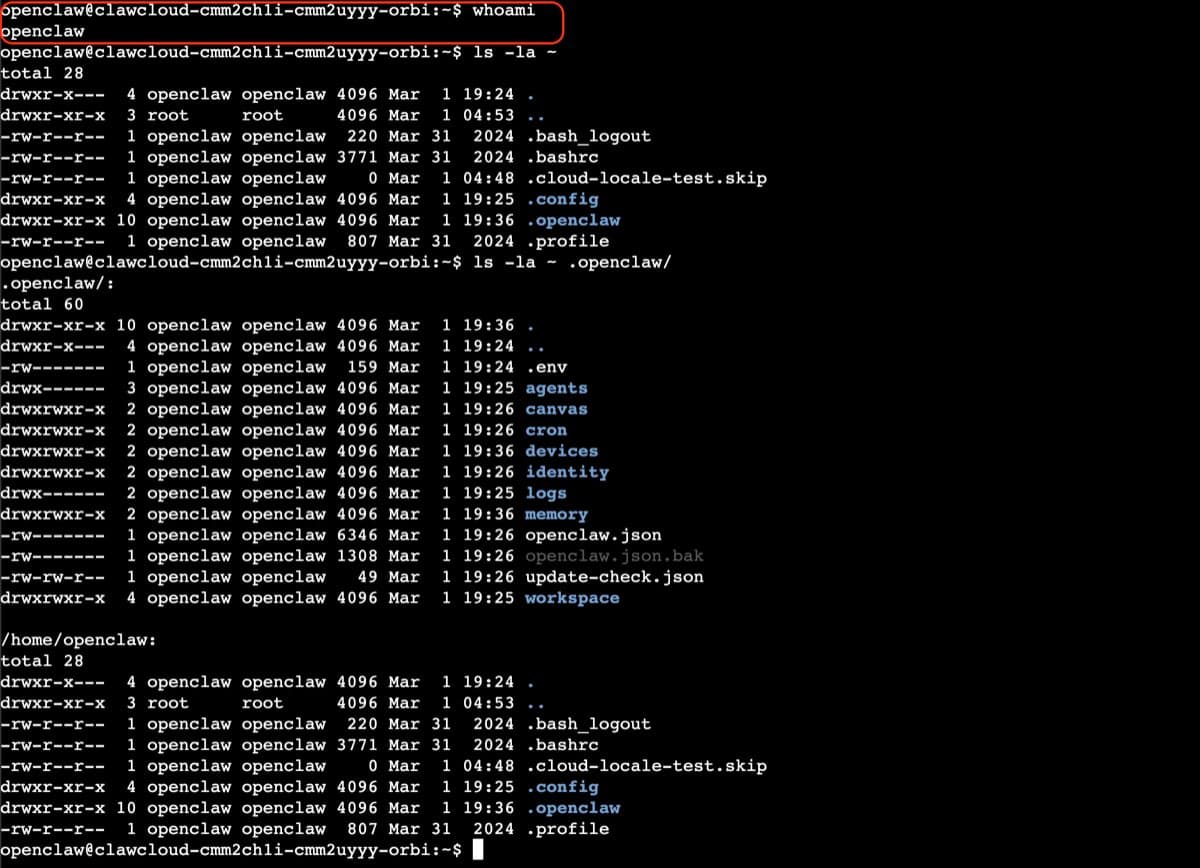
A Linux ClawCloud server runs Ubuntu 24.04 in a headless configuration. No GUI, no desktop session — the CLI and the OpenClaw gateway are what you work with.
- A dedicated Linux server with OpenClaw already provisioned
- SSH access with your own key
openclawCLI available system-wide under theopenclawuser- The OpenClaw gateway running as a systemd service, started automatically on boot
- The ClawCloud dashboard for health checks, log viewing, and bot management
Linux is the default platform on ClawCloud. It covers all supported channels — Telegram, Discord, Feishu, WhatsApp (Pro and Max), and more. If you are new to OpenClaw, the OpenClaw docs and the Getting Started guide are good first reads. If you already know Linux is your choice, deploy directly from the ClawCloud deploy wizard.
Connect via SSH
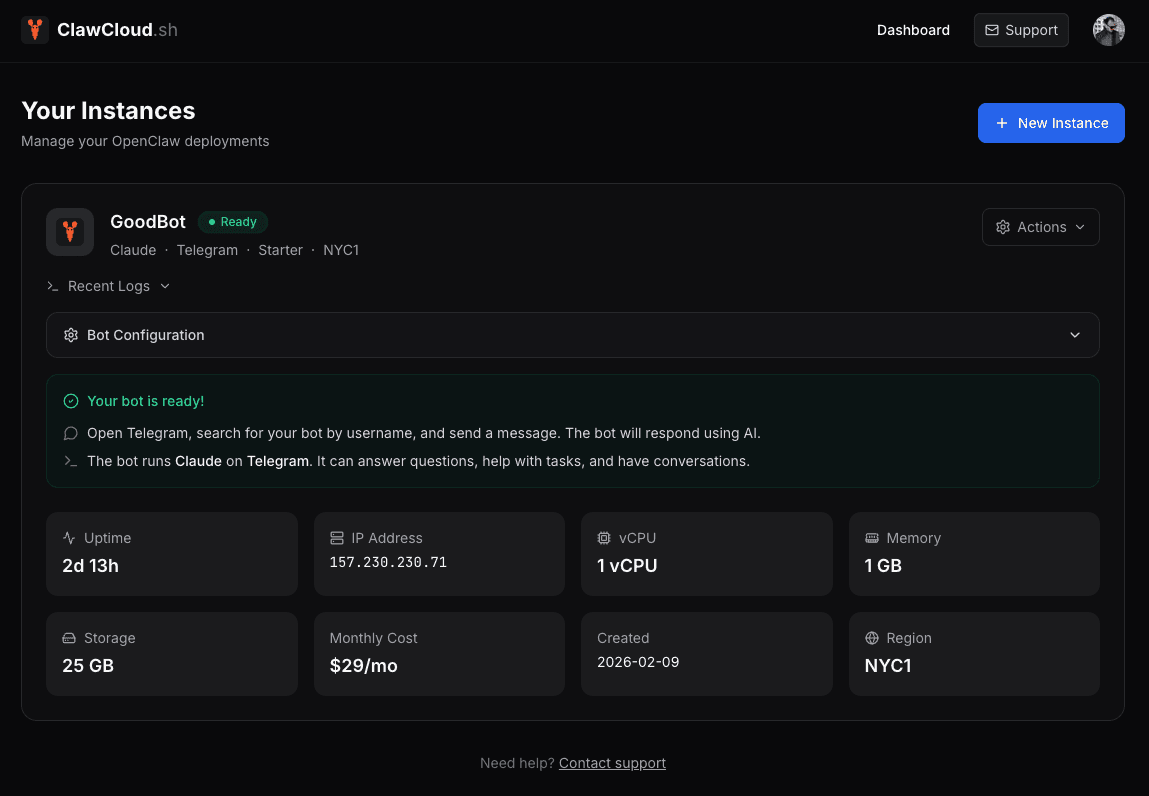
When your instance status reaches ready, open the ClawCloud dashboard and copy the server IP from the instance card.
Add your SSH public key during the deploy wizard (expand the Advanced section in Step 3) or afterward from Dashboard → Settings → SSH Access. The full walkthrough for adding keys and connecting is in the SSH access guide.
Once your key is on the server:
ssh openclaw@<your-server-ip>
Verify OpenClaw is running
Once connected, confirm the gateway is up:
openclaw status
This shows active sessions, the connected channel, model in use, and credit usage. If something looks off, run the health check:
openclaw doctor
openclaw doctor flags configuration problems, broken allowlists, and gateway issues, and suggests fixes. You can also check whether the gateway service is active at the OS level:
systemctl is-enabled openclaw-gateway.service
If it is enabled and the gateway is running, your OpenClaw Linux server is healthy.
Common CLI commands
The full reference is at OpenClaw CLI Commands. These are the most useful ones for the first session:
| Command | What it does |
|---|---|
openclaw status | Overview of sessions, model, channels, and usage |
openclaw doctor | Health check with auto-fix suggestions |
openclaw logs | Tail the gateway log (add --follow for live streaming) |
openclaw config get | View any config setting |
openclaw config set | Change a config setting |
openclaw gateway restart | Restart the gateway after config changes |
You can also run all of these from the Console tab in the ClawCloud dashboard, so SSH is not strictly required for day-to-day management.
When to choose Linux vs Windows
Pick Linux if you want the lower starting price, faster provisioning, and a terminal-first workflow. Current pricing and yearly billing options are on the ClawCloud pricing page.
Pick Windows if you want a full desktop, RDP access, Chrome, and an admin session without needing SSH. That option is covered in the OpenClaw Windows setup guide.
For a detailed side-by-side breakdown of access method, features, and pricing, see the OpenClaw Linux vs Windows comparison.