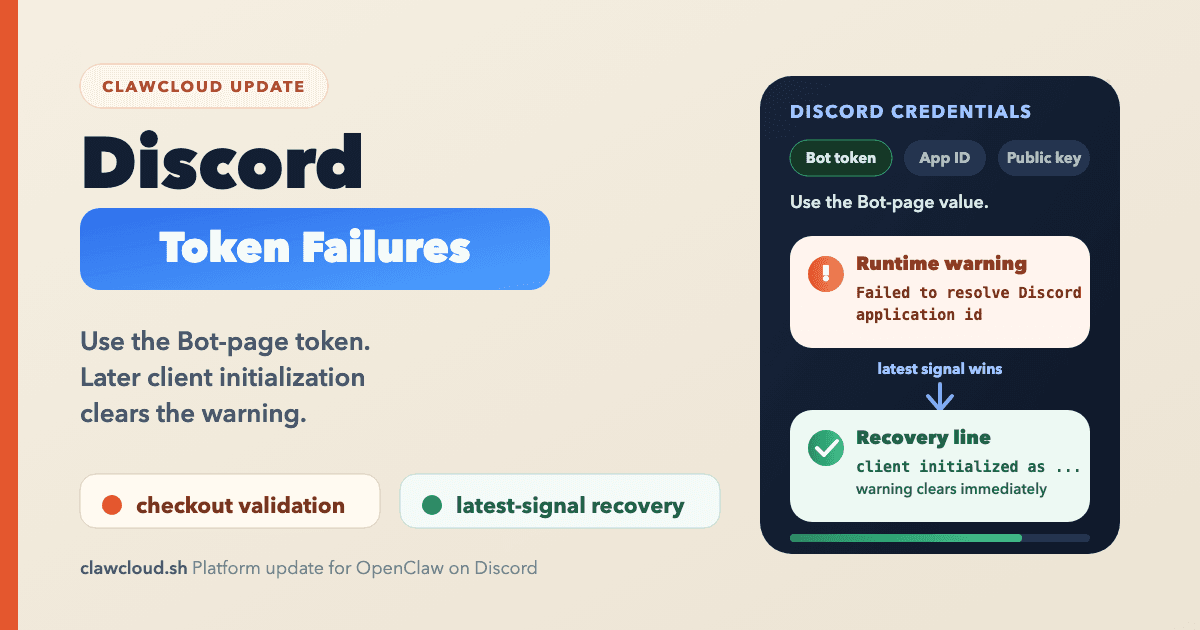
ClawCloud now handles one common OpenClaw Discord credential mix-up earlier. Before this update, a wrong Discord credential could make it through deploy or reconfigure and fail later at runtime, where OpenClaw logged Failed to resolve Discord application id.
That left users with two separate problems. The failure surfaced later than it should have, and after the token was repaired the dashboard could still look degraded because an older failure line was still present in the recent log window. This update tightens both parts of that path.
The symptom users saw
This mistake usually starts in the Discord Developer Portal. Discord keeps different values on different settings pages: the Application ID and Public Key on General Information, the bot token on Bot, and OAuth client credentials for OAuth flows. If you copy the wrong one, OpenClaw cannot authenticate the Discord channel correctly.
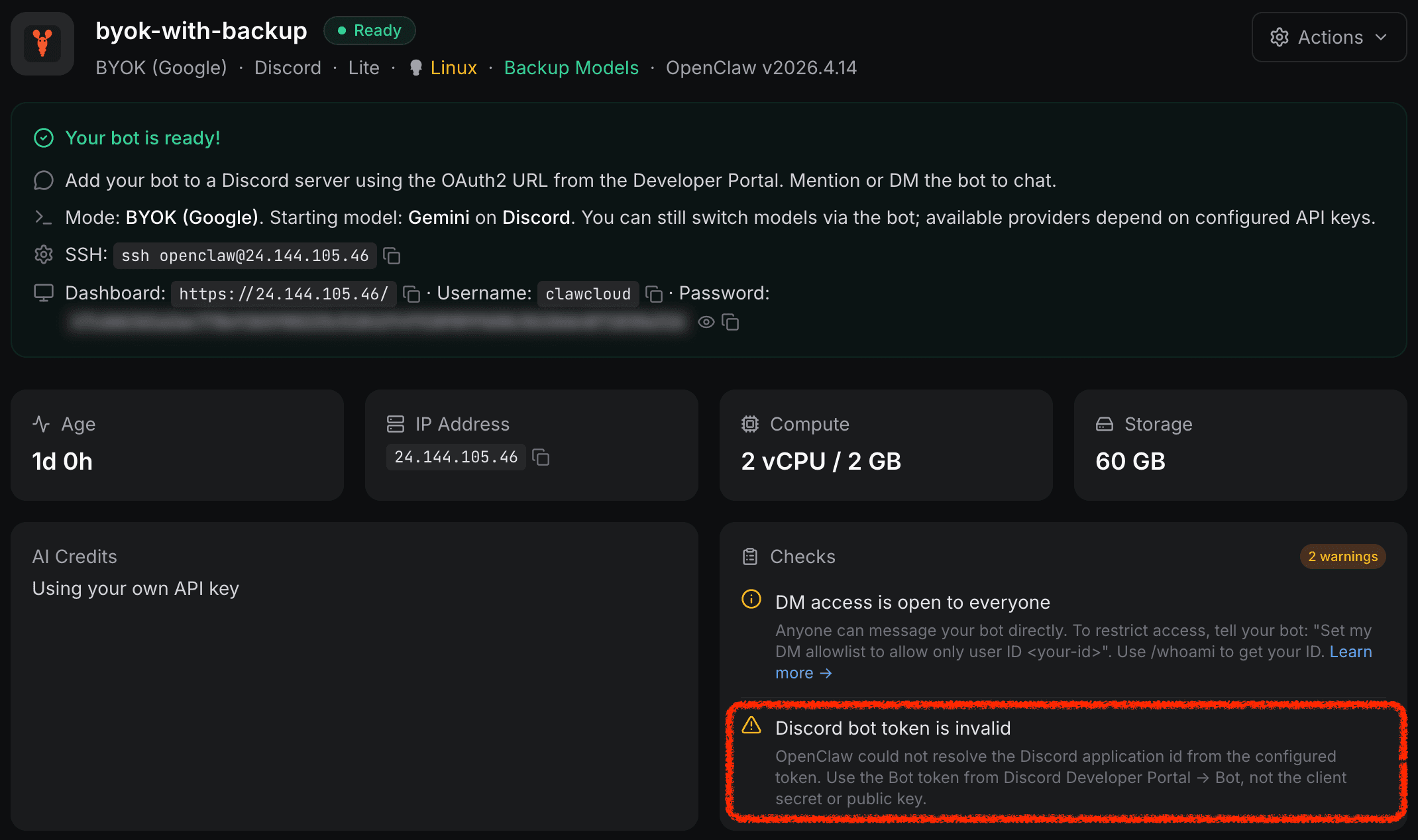
The runtime clue was useful once you found it: Discord logs reported Failed to resolve Discord application id. The user-facing part was worse. A bot could look healthy enough to create doubt, and after the token was corrected the dashboard could stay degraded because it was still matching the older failure line in the recent log window.
The dashboard-side warning now has a clear home in the Checks panel:
If you are creating a new Discord bot, OpenClaw Discord Bot Setup Guide (Developer Portal Token) now calls out the credential mix-up more directly.
What changed in ClawCloud
First, ClawCloud now does stricter Discord token validation during checkout and reconfigure. If the value clearly does not look like a Discord bot token, the flow stops there instead of letting the problem spill into runtime.
Second, the instance health check now treats an active Discord application-ID failure as a real degraded state. That means the dashboard reflects the current runtime problem instead of leaving the instance falsely healthy.
Third, the recovery logic is smarter. The check follows the latest Discord auth signal in the recent log window. If the log shows an older Failed to resolve Discord application id line and then a newer client initialized as success line, the degraded state clears right away. It does not wait for the older error to age out first.
That sounds like a small detail. In practice it is the difference between "the fix worked" and "I think the fix worked, but the dashboard still looks wrong."
Why this matters in day-to-day use
Discord setup should be boring. You create the bot, copy the token once, paste it once, and move on.
When that flow goes wrong, people usually debug in the wrong order. They re-check intents, restart the gateway, re-invite the bot, or wonder whether Discord itself is having trouble. Earlier validation removes one whole category of wasted troubleshooting. Better recovery logic removes the second round of uncertainty after the token is fixed.
If you already use the dashboard to spot runtime warnings, Understanding OpenClaw Instance Health Checks explains what those notices mean and how they clear.
What you should do now
If your Discord bot is already healthy, you do not need to do anything.
If you are setting up a new bot, copy the token from the Discord Developer Portal Bot page only. Do not paste the application ID, client secret, or public key. Those values live close together, so it is an easy mistake to make if you are moving quickly.
If your instance shows a Discord token warning, replace the token with the actual bot token, then verify the bot reconnects. The dashboard should now clear the degraded state as soon as Discord client initialization succeeds instead of lingering on the older failure.
For the upstream channel behavior, the OpenClaw Discord channel docs are still the right reference. For Discord-side app setup, the official Discord developer quick start is useful if you want the raw platform documentation.
This is the kind of reliability work users should mostly stop noticing. That is the point.