What OpenClaw actually does
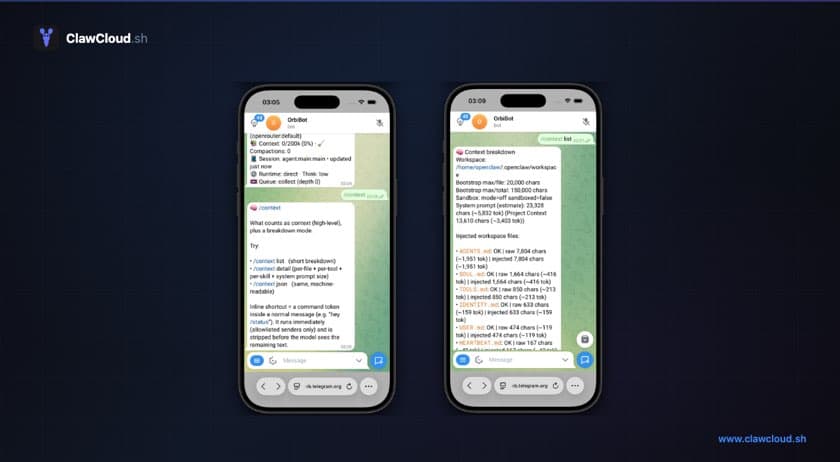
OpenClaw is open-source software that turns an AI model into a persistent bot on Telegram or Discord. You run it on a server, it stays online 24/7, and people message it like a regular contact. It is not a web app or a browser extension. It lives inside the messaging platform you already use.
The bot connects to whichever AI model you pick. Claude, GPT, Gemini, DeepSeek, Qwen, and dozens of others are all supported. You can switch models mid-conversation with a single command.
The three things you need
Getting OpenClaw running requires three pieces:
- A server. OpenClaw runs as a Node.js process. It needs a machine that stays on.
- An AI provider key or managed credits. This is how the bot pays for model inference. You either bring your own API key from Anthropic, OpenAI, or Google, or use managed credits through a service like ClawCloud.
- A channel bot token. A Telegram bot token from @BotFather or a Discord bot token from the Discord Developer Portal. Creating one takes about two minutes.
That's it. No database, no Docker, no Kubernetes.
Path 1: self-hosted
If you have a VPS or spare machine, you can install OpenClaw directly:
npm install -g openclaw@latest
openclaw onboard
The onboard command walks you through connecting your API key and channel token interactively. You'll need Node.js 22+ installed first.
Self-hosting gives you full control over the server, config files, and updates. The trade-off is that you handle everything yourself: Node.js versions, process management, firewall rules, and troubleshooting. The self-hosting difficulty post covers what that looks like in practice.
Config lives at ~/.openclaw/openclaw.json. The OpenClaw documentation covers all the options.
Path 2: ClawCloud
ClawCloud is managed hosting for OpenClaw. You pick a plan, paste a bot token, choose a model, and your bot is live in under a minute.
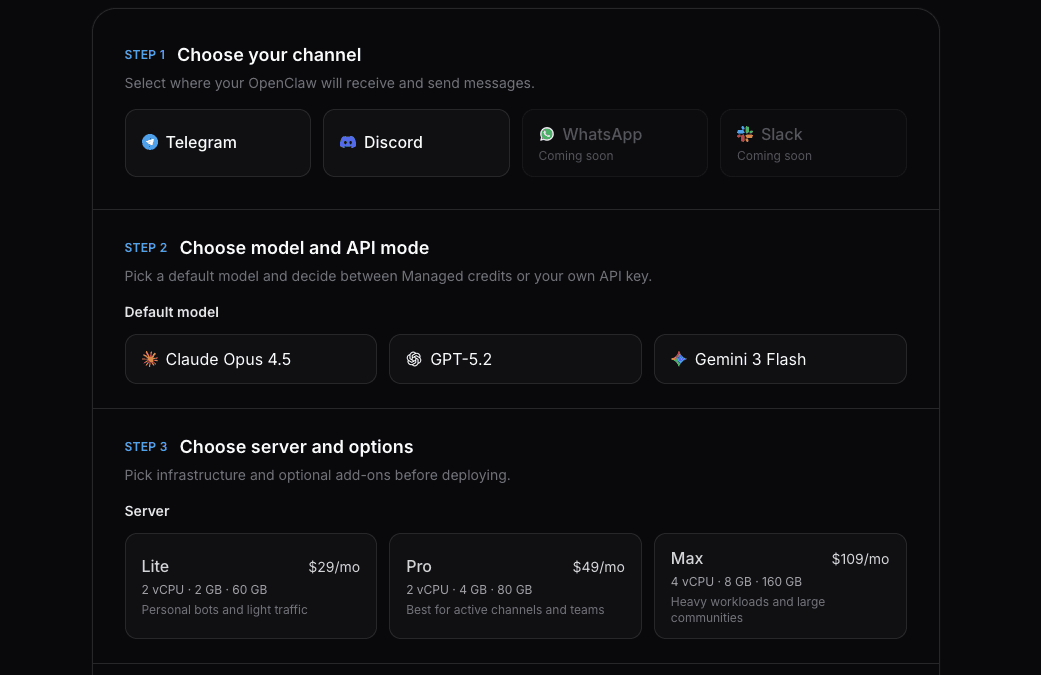
The wizard has three steps:
- Pick a plan — Lite ($29/mo), Pro ($49/mo), or Max ($109/mo). All include Telegram, Discord, and Feishu. WhatsApp is available on Pro and Max.
- Connect a channel — Paste your Telegram or Discord bot token.
- Choose a model — Pick from our curated models or bring your own API key.
After checkout, ClawCloud provisions a dedicated VM, installs OpenClaw, configures your bot, and hands you a dashboard. The getting-started guide walks through each step with screenshots.
Where to go from here
Once your bot is responding, a few things are worth exploring:
- Skills let you teach the bot new abilities. Install a web search skill from ClawHub and the bot can look things up during conversations. (Skills documentation)
- Memory writes notes to disk — plain Markdown files — that the bot can reference in future conversations. On a dedicated server, these files persist across restarts and accumulate over time. (Memory documentation)
- Model switching lets you change which AI model the bot uses without redeploying. Send
/model sonnetand the bot switches to Claude Sonnet 4.
The OpenClaw documentation is the definitive reference for everything else: configuration, channel setup, multi-agent systems, and provider details.