OpenClaw Telegram Bot (Support Terms)
If you searched for ai telegram bot, openclaw telegram bot setup, telegram bot token for openclaw, or deploy openclaw telegram bot, this page is the channel-specific overview before deployment.
What an AI Telegram bot needs to do
Teams usually want three outcomes from an AI Telegram bot: reliable 24/7 uptime, private conversation context, and easy model switching without rebuilding the bot.
Most DIY setups break at operations: local machines go offline, manual updates drift, and API key/config changes are hard to manage safely.
OpenClaw handles Telegram integration natively. On ClawCloud, it runs on a dedicated server, so your bot stays available even when your local machine is off.
How deployment works on ClawCloud
- Create your bot token in Telegram BotFather.
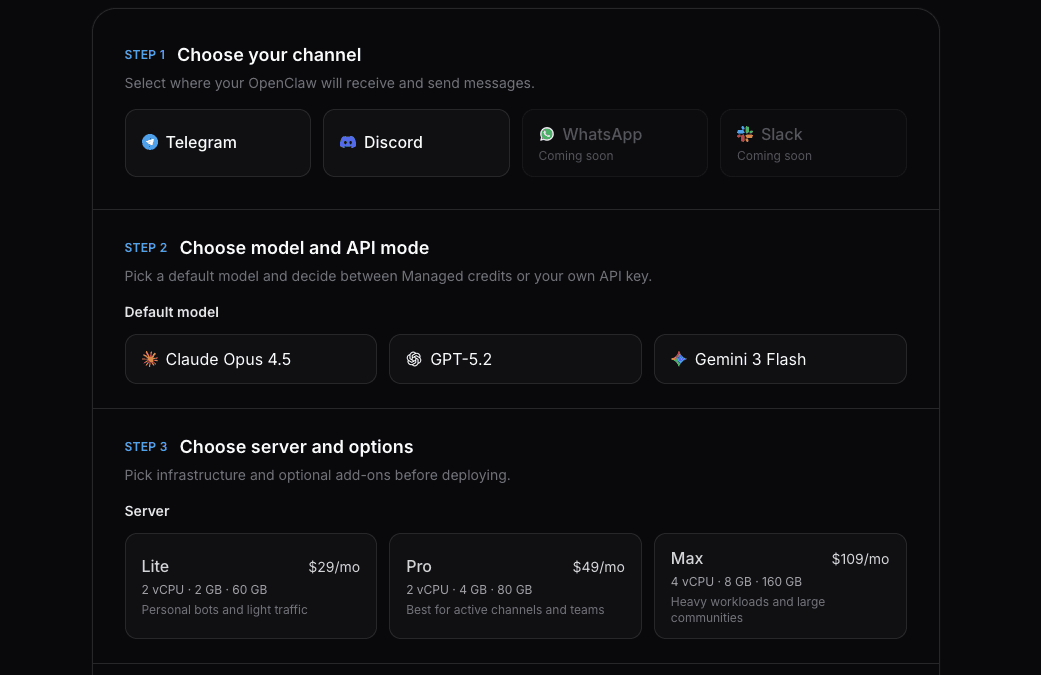
- Paste the token into the deploy wizard with Telegram preselected.
- Choose your model and deploy.
Token creation is quick. The complete walkthrough is in OpenClaw Telegram Bot Setup Guide.
Telegram behavior after deploy
On Telegram, you can run the bot in DMs, groups, or both:
- DM access is controlled by
dmPolicy. - Group behavior is controlled by mention and group policy settings.
- If you lock yourself out, recovery is available from the dashboard and CLI guides.
Use:
- How to Configure OpenClaw Group Chat Behavior
- How to Change the OpenClaw DM Policy
- How to Unlock DM Access on Your OpenClaw Bot
Model options on Telegram
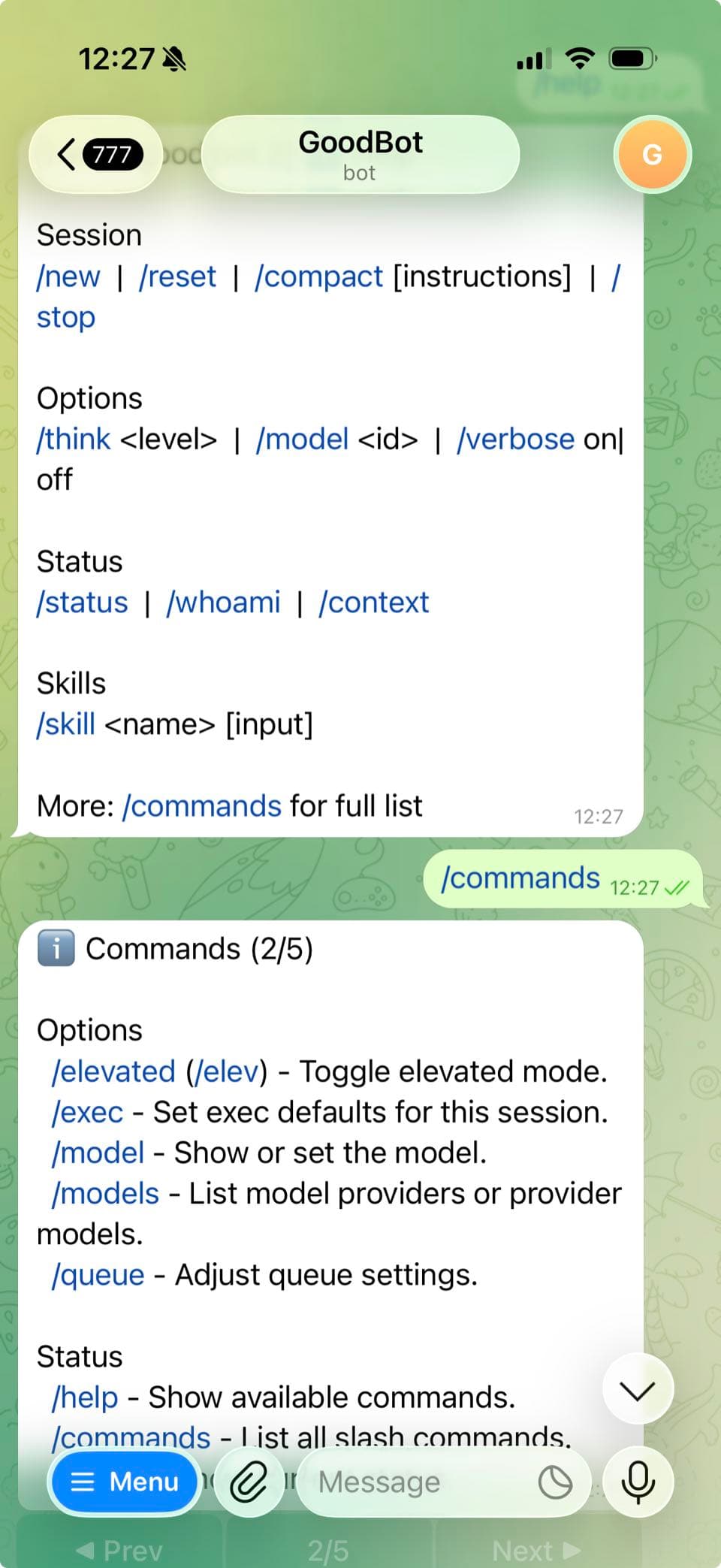
Once the bot is running, switch models directly in chat with /model. You can use aliases like /model sonnet or pick from the full list.
See:
Pricing and plan fit
Telegram is available on all ClawCloud plans. Lite starts at $29/month and includes a dedicated server, auto-updates, and SSH access. You can run in BYOK mode or add managed AI credits.
For conversion-focused details, see OpenClaw Telegram Bot Hosting.
Start directly with Telegram preselected: Deploy OpenClaw on Telegram.
What to read next
- Deploy an OpenClaw Telegram Bot (use case)
- OpenClaw Telegram Bot Setup Guide
- Getting Started with OpenClaw on ClawCloud
- OpenClaw Telegram Bot Hosting
For channel-level Telegram behavior and configuration, see the official OpenClaw Telegram documentation.