OpenClaw Docker setup is officially supported. If you want a containerized gateway, or you are putting OpenClaw on a host where you do not want local installs, this is the right place to start. This guide sticks to the upstream Docker docs and links the exact sources used for the commands below.
Docker is optional. The OpenClaw docs still treat the normal install flow as the default. If you want the shorter path with no server work, use Getting Started with OpenClaw on ClawCloud.
What you need
- Docker Desktop or Docker Engine with Docker Compose v2
- At least 2 GB RAM if you plan to build locally
- A cloned copy of the OpenClaw repo
- Channel credentials for onboarding
The official OpenClaw Docker docs also recommend reading the network exposure guide before you publish the gateway on a public host.
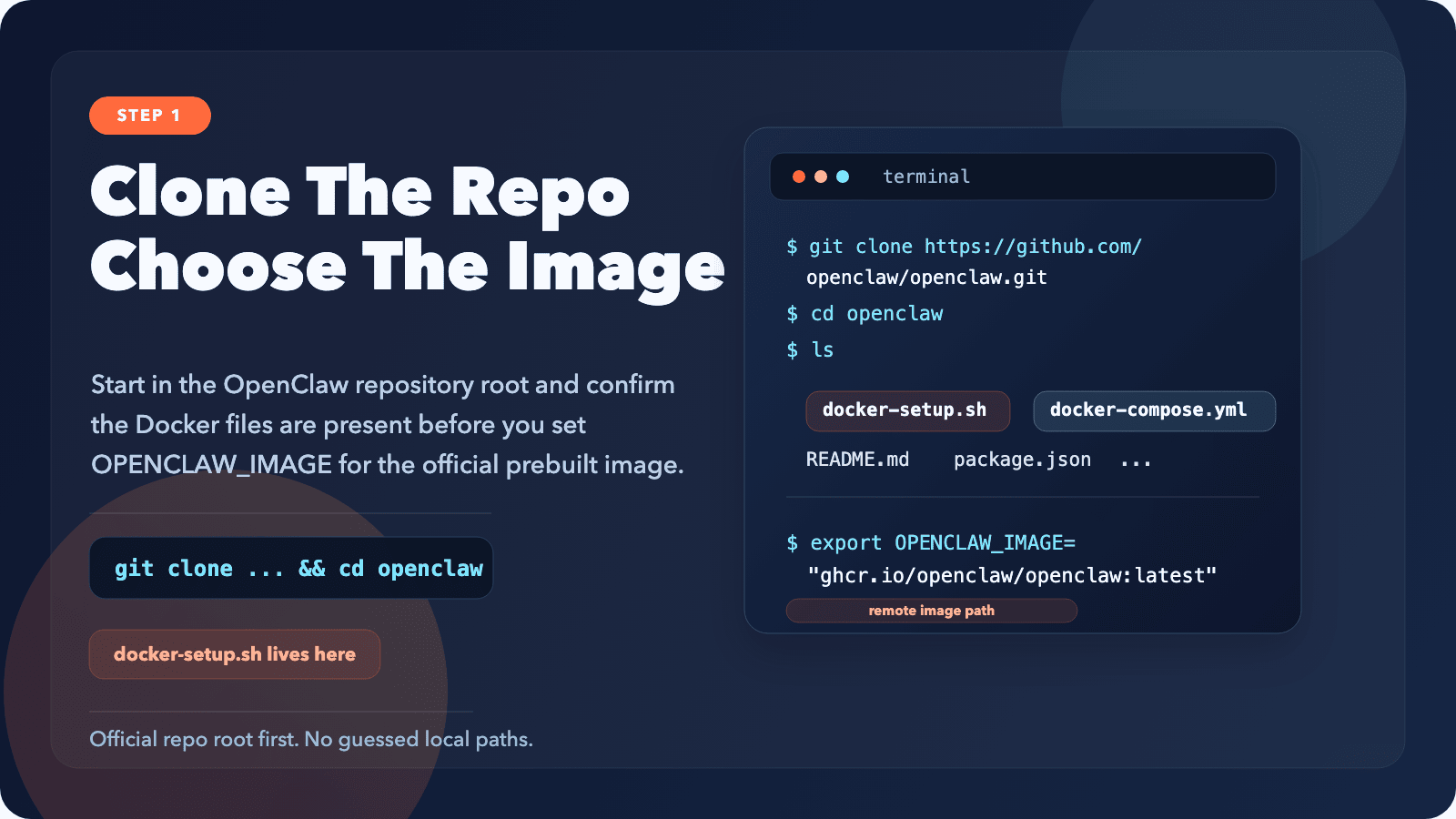
Step 1: Clone OpenClaw and choose your image
git clone https://github.com/openclaw/openclaw.git
cd openclaw
From here you have two official paths. The default ./docker-setup.sh flow builds openclaw:local from source. If you want to skip the local build, point the script at the official GitHub Container Registry image:
export OPENCLAW_IMAGE="ghcr.io/openclaw/openclaw:latest"
Use the official package name ghcr.io/openclaw/openclaw. The OpenClaw Docker docs call out that similarly named Docker Hub images are not the upstream image.
Step 2: Run the official Docker setup script
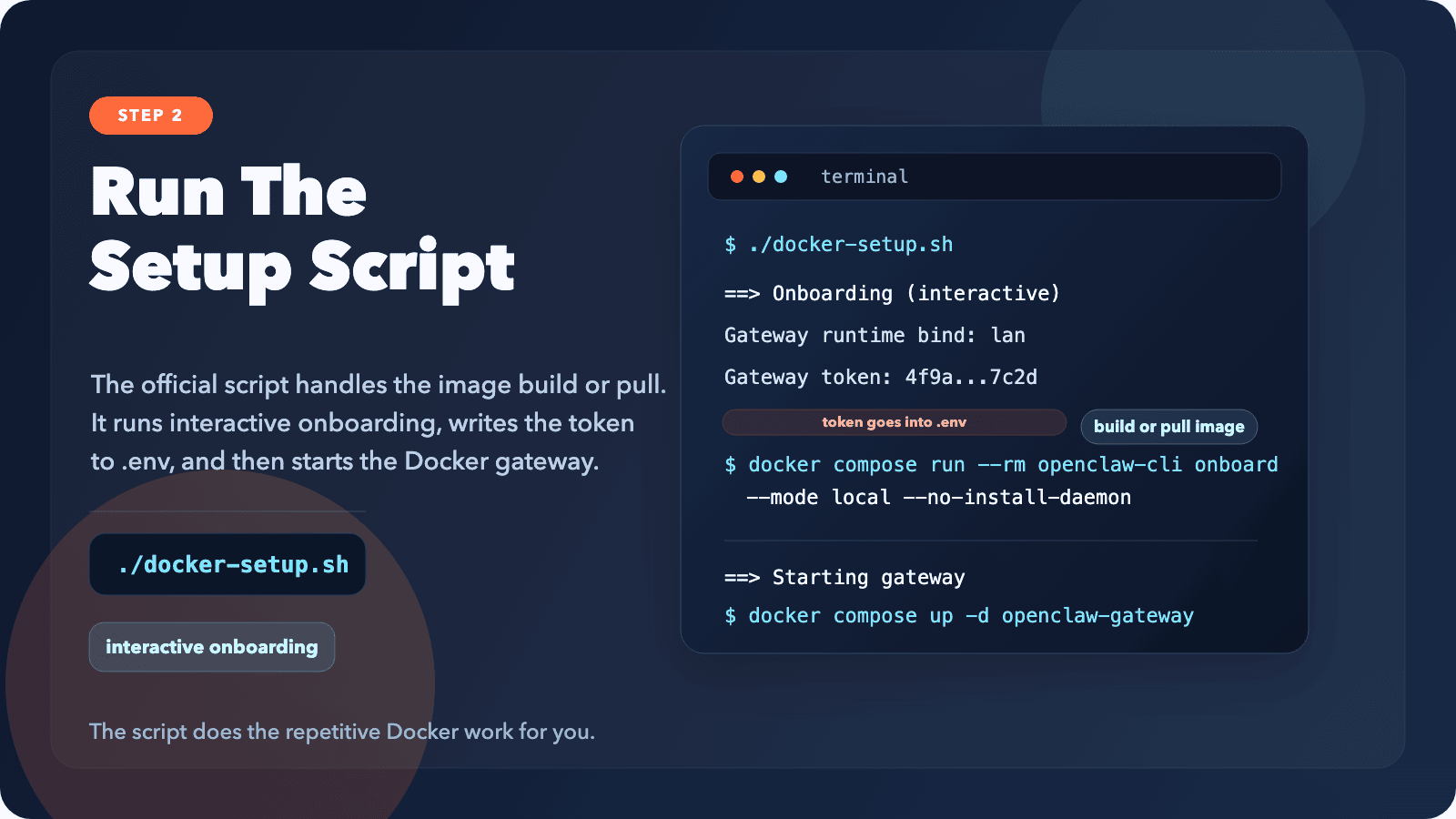
./docker-setup.sh
This is the recommended path in the official docs. The script builds or pulls the image, runs onboarding, starts the gateway with Docker Compose, and writes the gateway token to .env.
If a small host dies during the local build with exit 137, switch to the prebuilt OPENCLAW_IMAGE path above. The OpenClaw docs note that 1 GB hosts can run out of memory during pnpm install.
Step 3: Open the dashboard and approve pairing if needed
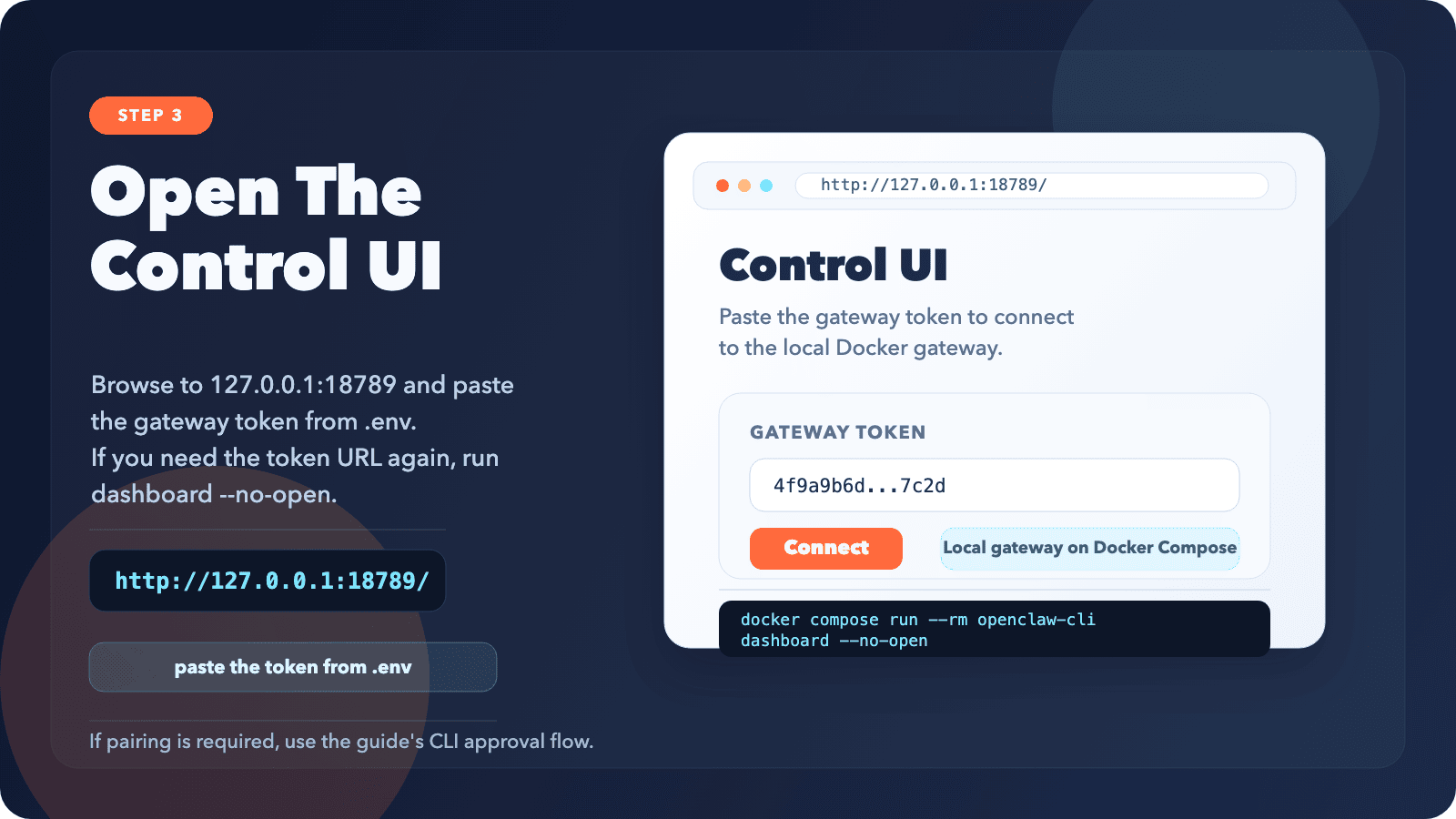
After the script finishes, open http://127.0.0.1:18789/ and paste the token from .env into the Control UI.
If the page shows unauthorized or disconnected (1008): pairing required, use the official recovery flow:
docker compose run --rm openclaw-cli dashboard --no-open
docker compose run --rm openclaw-cli devices list
docker compose run --rm openclaw-cli devices approve <requestId>
If you want the config file explained, see OpenClaw Configuration: The Settings That Actually Matter. If pairing is the only thing broken, the faster fix is OpenClaw "Gateway Connect Pairing Required" - What It Means and How to Fix It.
What Docker persists by default
The official Docker storage model bind-mounts ~/.openclaw/ and ~/.openclaw/workspace from the host. Your config and workspace survive container replacement without extra manual mounts.
If you also want /home/node to persist, rerun the setup with:
export OPENCLAW_HOME_VOLUME="openclaw_home"
./docker-setup.sh
Troubleshooting
Pairing required keeps coming back
OpenClaw uses bind modes like lan and loopback in Docker. The docs say not to use host aliases like 0.0.0.0 or localhost in gateway.bind. If Docker CLI commands start targeting 172.x.x.x, reset it with:
docker compose run --rm openclaw-cli config set gateway.mode local
docker compose run --rm openclaw-cli config set gateway.bind lan
docker compose run --rm openclaw-cli devices list --url ws://127.0.0.1:18789
Permission errors under /home/node/.openclaw
The official image runs as the node user with uid 1000. On Linux hosts, fix ownership on the mounted directories:
sudo chown -R 1000:1000 /path/to/openclaw-config /path/to/openclaw-workspace
Want a quick health check
curl -fsS http://127.0.0.1:18789/healthz
curl -fsS http://127.0.0.1:18789/readyz