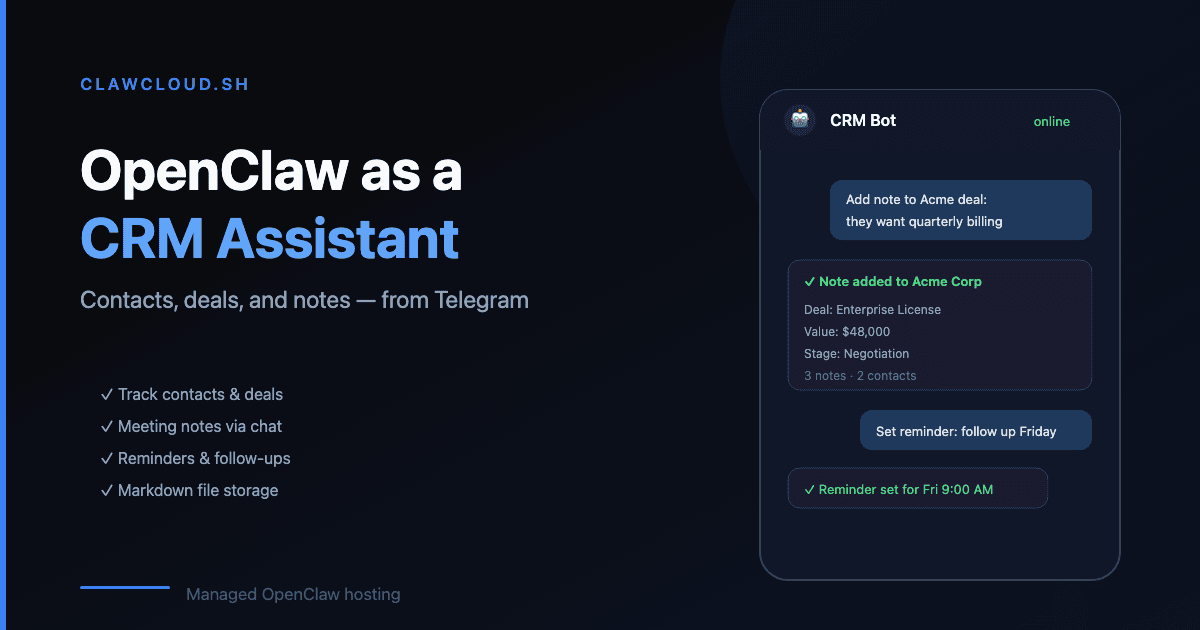
After a call, most people have about five minutes before the details start fading. The notes you meant to write get pushed back until the next meeting, and by then you are reconstructing from memory.
OpenClaw runs as a bot in Telegram or Discord — apps you are already on after any call. Sending a note to the bot takes about ten seconds. The bot writes it to its memory system. Later, when you need to know what you said, you ask the bot and it tells you.
AI meeting notes: how it works in practice
There is no recording, no transcript, and no AI that listens in. The flow is manual by design:
- The call ends. You open Telegram or Discord.
- You send a message: "Just talked with Sarah at Northbrook. They want monthly billing, decision by next Friday."
- The bot confirms and saves the note.
- The next day you ask: "What was the outcome of the Northbrook call?" The bot pulls up the note.
For follow-up reminders, add a time: "Remind me Thursday to send the Northbrook proposal." With the calendar skill installed, the bot fires the reminder at the specified time.
What you can track
OpenClaw's memory system stores whatever you tell it as plain text. You can use it however your work demands:
- Meeting outcomes — who you spoke with, what was decided, what comes next
- Contact notes — preferences, contact details, context for the relationship
- Deal status — where things stand, what the next step is, what price or terms came up
- Daily digest — ask the bot each morning what is on your plate based on what you told it this week
With ClawHub skills, you can extend this further:
- Calendar reminders via the calendar skill
- Contact lookup via a structured notes skill
- Web search for looking up information about a contact or company mid-note
See the skills guide for what is available and how to install it.
What this is not
OpenClaw is not a CRM. There is no pipeline view, no team database, no reporting, and no data shared across accounts. The memory system is plain text files on your server — readable and searchable through conversation, but not a structured records system.
If you need pipeline stages, deal forecasting, and team-wide visibility, use an actual CRM. If you need a personal assistant that captures what you tell it and can remind you of things through your phone, this fits that use case well.
DenchClaw, an open-source local CRM built on OpenClaw, covers the structured CRM use case if you want to go further.
Why a dedicated server matters here
A locally-installed OpenClaw instance goes offline when your computer is closed. After a late call, when you want to log a note from your phone, a local setup is not there.
With ClawCloud, your OpenClaw bot runs on a dedicated server 24/7. You can send a note at 10pm from your phone and retrieve it at 9am the next morning. Reminders fire even when your devices are off. The history accumulates across weeks and months without your computer being involved.
Pricing
Any ClawCloud plan works for CRM-style use. Telegram and Discord are on all plans:
| Plan | Price | Best for |
|---|---|---|
| Lite | $29/mo | Solo freelancer, light use |
| Pro | $49/mo | Active deal flow, WhatsApp for client-facing bots |
| Max | $109/mo | Heavy daily use, long conversation context |
To get started, see the Telegram bot guide or Discord bot guide. For installing CRM-related skills, see the skills guide.