A front-page Hacker News post recently warned about "many OpenClaw plugins with malware." Whether you self-host or use managed hosting, some security basics are worth getting right from day one.
Vet skills before installing
Skills extend what your OpenClaw bot can do. They're installed from ClawHub using clawhub install <slug> — not openclaw install. Before installing anything:
- Check the publisher. ClawHub shows who published each skill. Stick to well-known publishers or skills with source code you can read.
- Read the SKILL.md. Every skill contains a
SKILL.mdfile describing what it does and what tools it uses. If a skill requests filesystem access, network access, or shell execution — make sure that's actually needed for what it claims to do. - Search for known issues. Check the skill's GitHub repo for open issues and security reports.
Skills are not plugins. Plugins can ship skills, but skills and plugins are different systems. Don't install a plugin when you meant to install a skill.
Protect your API keys
BYOK mode (the default on ClawCloud): your API key is stored in openclaw.json on the server. SSH access to your server means access to your key. If you share server access, consider rotating your API key periodically through your provider's dashboard.
Managed mode: ClawCloud provisions an isolated OpenRouter sub-key per instance. You never handle the key directly — it's generated during provisioning and rotated automatically on each billing cycle. No API key in any config file you can see.
Never paste API keys in chat messages, public repos, or skill configurations. If a skill asks for an API key as input, that's a red flag.
Enable gateway auth mode
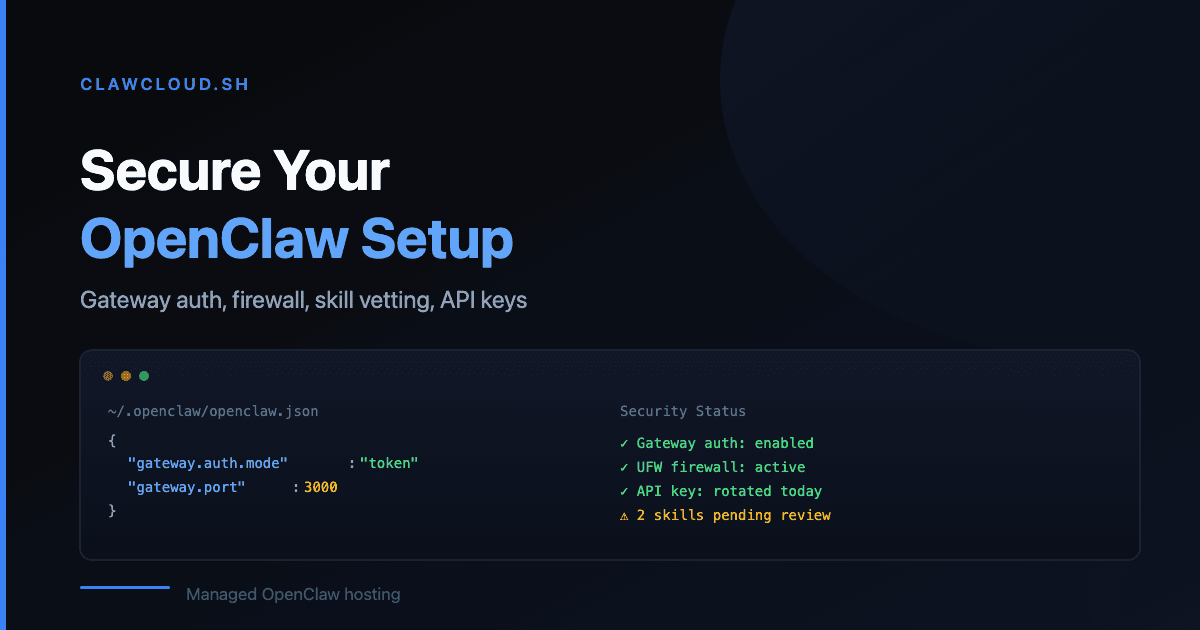
Since OpenClaw 2026.3.7, the gateway requires explicit gateway.auth.mode when both a token and password are configured. This prevents unauthorized clients from connecting to your OpenClaw instance when dual-auth is in use.
On ClawCloud, gateway auth is enabled by default during provisioning. If you self-host and use both a gateway token and password, make sure your config includes the explicit gateway.auth.mode setting.
Lock down network access (self-hosted)
If you run OpenClaw on a VPS:
- Enable UFW (or your firewall of choice). Only open the ports your channels actually need.
- Block the gateway port from public access unless you specifically need remote gateway connections. The gateway is for local client pairing, not public traffic.
- Use SSH keys, not passwords. Disable password authentication in
sshd_config.
ClawCloud instances come with UFW pre-configured and the gateway locked to localhost.
Set DM and group policies
OpenClaw's DM policy settings and group chat settings control who can interact with your bot. On a fresh install, the defaults are open — your bot responds to anyone who messages it.
Tighten this if your bot has access to skills that handle sensitive data. Use allowlist to restrict to specific sender IDs, and configure group settings to limit which groups the bot responds in.
Keep OpenClaw updated
The 2026.3.8 release hardened gateway restart recovery across both macOS and Linux. The 2026.3.7 release added mandatory gateway auth for dual-credential configs. Security fixes ship in every release — running an old version means missing them.
ClawCloud handles auto-updates. If you self-host, run openclaw --version to check your current version and update regularly.
For more on the full list of OpenClaw channels and what each one requires, see the channels documentation. For ClawCloud's approach to managed security, see Getting Started.