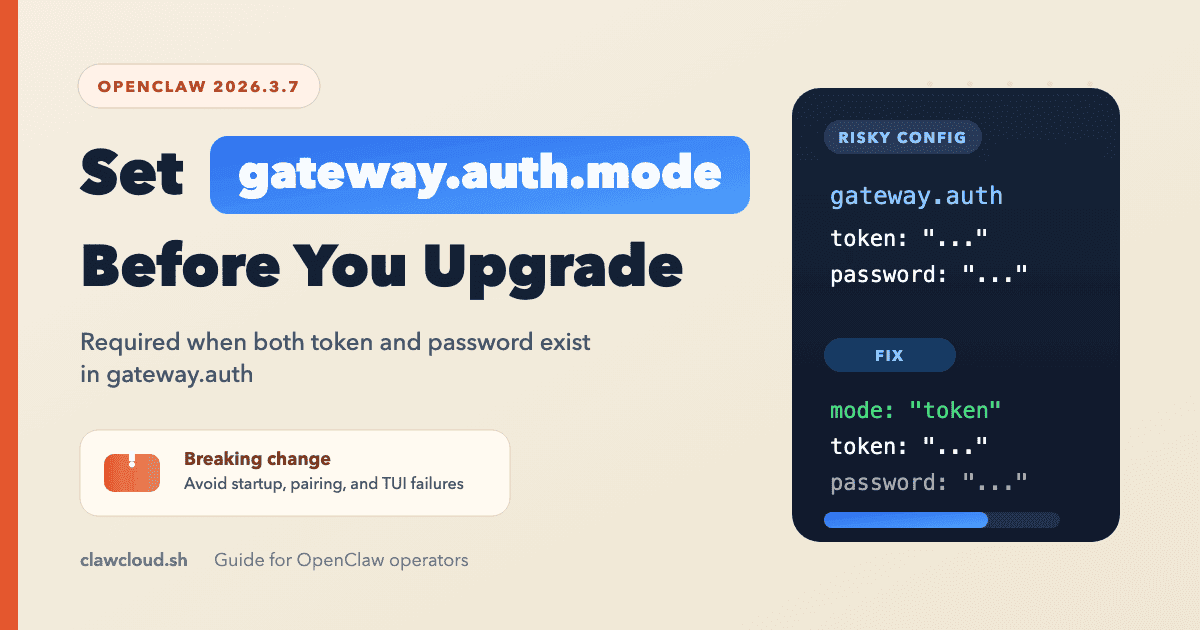
OpenClaw 2026.3.7 introduced one upgrade trap that is easy to miss in an older config: if gateway.auth.token and gateway.auth.password are both configured, you now also need an explicit gateway.auth.mode.
The release note is direct: set gateway.auth.mode to token or password before upgrading or you can end up with startup, pairing, or TUI failures.
That requirement is reflected in two upstream places: the v2026.3.7 release notes and the Gateway configuration reference, where gateway.auth.mode is the field that selects the active auth flow.
If you run a standard ClawCloud instance and have never hand-edited gateway auth, this is probably not your main risk. If you self-host, imported an older config, or kept both auth methods in the file during a migration, check this before you restart.
Quick Checklist
- Back up
~/.openclaw/openclaw.json. - Run
openclaw config get gateway.auth. - If both
tokenandpasswordare present, setgateway.auth.modetotokenorpassword. - Run
openclaw config validate. - Run
openclaw doctor. - Run
openclaw gateway restart. - Confirm the gateway is healthy with
openclaw health.
For the related commands, see OpenClaw CLI Commands. For the broader file structure, see OpenClaw Configuration: The Settings That Actually Matter.
What changed in 2026.3.7
The official release note says:
BREAKING: Gateway auth now requires explicit
gateway.auth.modewhen bothgateway.auth.tokenandgateway.auth.passwordare configured (including SecretRefs). Setgateway.auth.modetotokenorpasswordbefore upgrade to avoid startup/pairing/TUI failures.
This is not a new auth system. It is a disambiguation requirement.
If your config already made the choice obvious by storing only one auth method, you are fine. If both auth methods exist, OpenClaw now expects you to declare which one is active.
The Gateway CLI docs now make the operational impact explicit too: if both gateway.auth.token and gateway.auth.password are configured and gateway.auth.mode is unset, Gateway install is blocked until you set the mode.
How to spot the risky config
This is the shape that now needs attention:
{
  "gateway": {
    "auth": {
      "token": "${OPENCLAW_GATEWAY_TOKEN}",
      "password": "${OPENCLAW_GATEWAY_PASSWORD}"
    }
  }
}
The same rule applies when either field is a SecretRef object instead of a plain string or env substitution.
The risky part is not SecretRef itself. The risky part is having both token and password present without mode.
The full auth block supports other modes such as none and trusted-proxy, but this upgrade fix is narrower than that. When both token and password are present, the release note tells you to choose token or password explicitly.
The fix
If token auth is the one you actually use, make that explicit:
{
  "gateway": {
    "auth": {
      "mode": "token",
      "token": "${OPENCLAW_GATEWAY_TOKEN}"
    }
  }
}
If password auth is the one you actually use, use this instead:
{
  "gateway": {
    "auth": {
      "mode": "password",
      "password": "${OPENCLAW_GATEWAY_PASSWORD}"
    }
  }
}
If you intentionally keep both fields during a staged migration, that is still allowed. You just have to declare the active one:
{
  "gateway": {
    "auth": {
      "mode": "token",
      "token": {
        "source": "env",
        "provider": "default",
        "id": "OPENCLAW_GATEWAY_TOKEN"
      },
      "password": {
        "source": "env",
        "provider": "default",
        "id": "OPENCLAW_GATEWAY_PASSWORD"
      }
    }
  }
}
That is the minimal repair. The cleaner long-term move is to remove the unused auth method once you know the upgrade is stable.
Safe Update Flow
Use the boring path:
cp ~/.openclaw/openclaw.json ~/.openclaw/openclaw.json.bak
openclaw config get gateway.auth
openclaw config validate
openclaw doctor
openclaw gateway restart
openclaw health
Two notes matter here:
openclaw config validatechecks the current config against the active schema without starting the gateway.openclaw doctoris still worth running even if validation passes, because the official updating guide treats it as the safe update command for migrations, service checks, and health warnings.- If your Gateway runs as a service, the updating guide recommends
openclaw gateway restartinstead of killing PIDs manually.
Symptom to cause map
| Symptom after upgrade | Likely cause | First fix to try |
|---|---|---|
| Gateway fails to start cleanly | Both gateway.auth.token and gateway.auth.password exist without gateway.auth.mode | Add mode, validate, restart |
| Pairing flow behaves unexpectedly | Same ambiguous auth config | Set gateway.auth.mode to the auth method you actually use |
| TUI or gateway login path breaks after update | Same ambiguous auth config | Inspect gateway.auth, fix mode, then run doctor and restart |
ClawCloud-specific note
In ClawCloud's provisioning flow, the post-onboard POST /config sync covers model, channel settings, DM policy, system prompt, and non-auth gateway settings. It does not write gateway.auth.token, gateway.auth.password, or gateway.auth.mode.
That makes this 2026.3.7 change most relevant for:
- self-hosted OpenClaw installs
- imported or older custom configs
- ClawCloud instances where gateway auth was customized manually later
If you are using the standard ClawCloud path and have not modified gateway auth yourself, this is less likely to be the source of an upgrade problem than it is on a hand-maintained server.
Official Sources
If you want to verify each step against upstream documentation, use these:
- OpenClaw v2026.3.7 release notes for the breaking change itself.
- OpenClaw Gateway configuration reference for
gateway.auth.mode,gateway.auth.token,gateway.auth.password, and the supported auth modes. - OpenClaw config CLI docs for
openclaw config getandopenclaw config validate. - OpenClaw Gateway CLI docs for
openclaw gateway restartand the note that installs are blocked when both auth methods are configured withoutgateway.auth.mode. - OpenClaw health CLI docs for
openclaw health. - OpenClaw updating guide for the standard
doctor-> restart -> health flow.