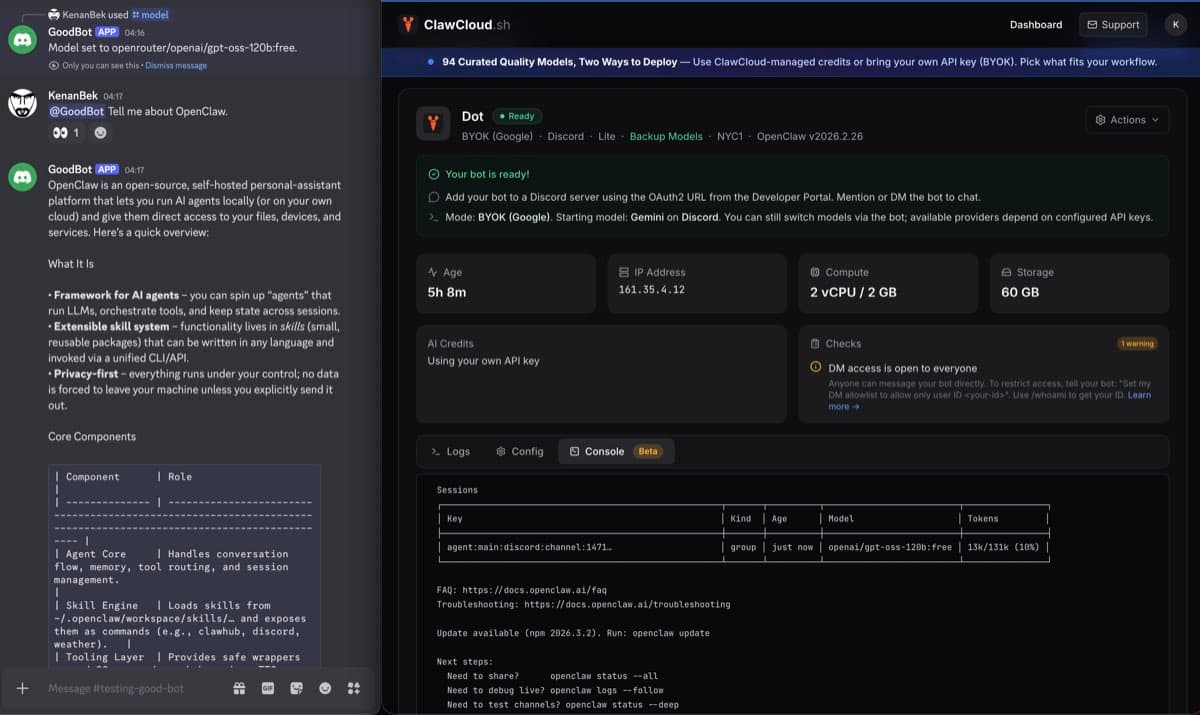
If you run OpenClaw on a cloud server, this update gives you a safer fallback path.
You keep BYOK as the primary model path, and you can still switch to free backup models in chat when you need continuity.
What changed for BYOK users
With BYOK + Backup enabled:
- Your BYOK key stays primary for normal usage.
- A separate backup key is configured for free-model fallback.
- You can switch models in chat whenever you need temporary coverage.
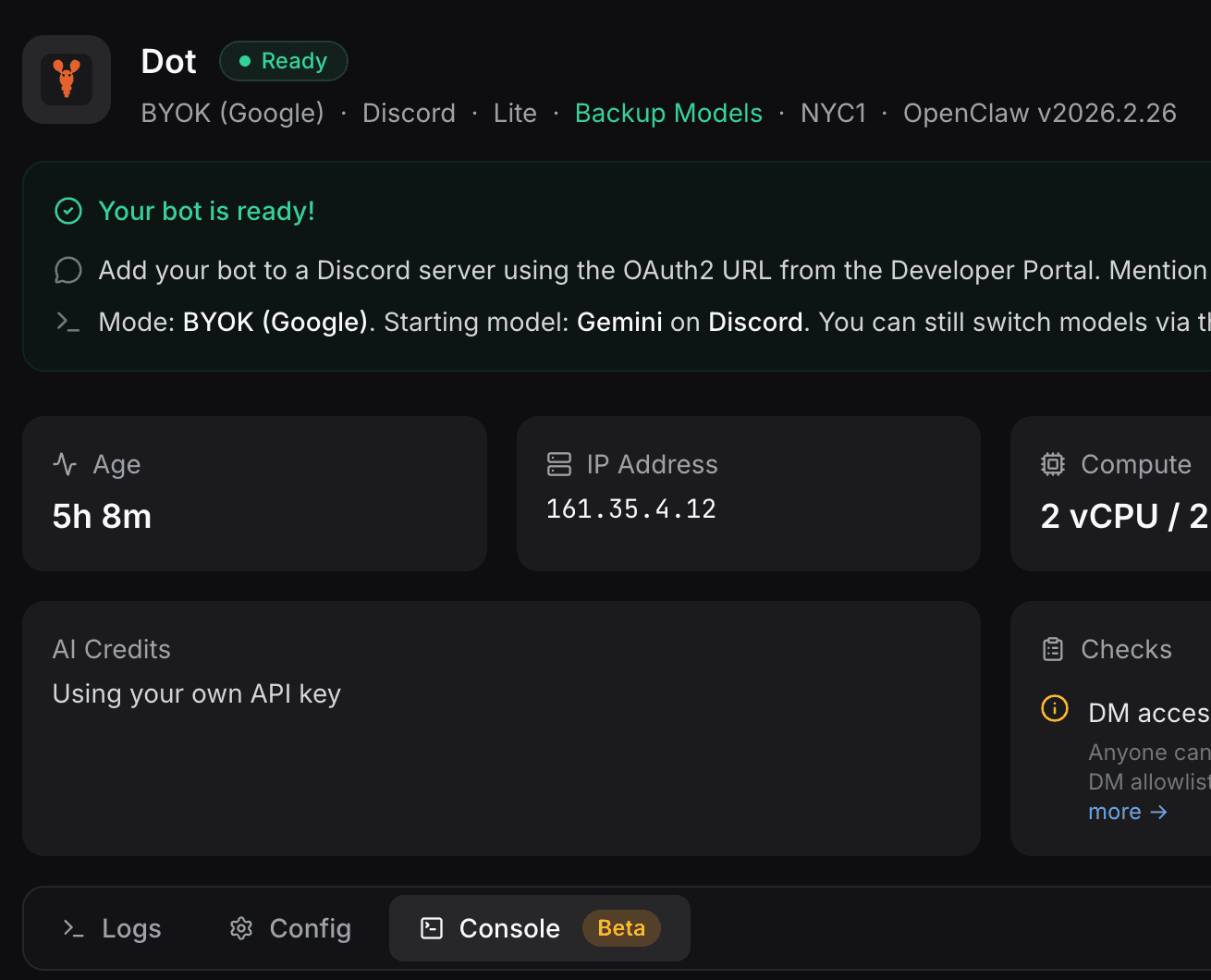
The dashboard view above shows exactly what this looks like in practice: BYOK stays active, backup models are visible on the same instance, and you can switch without changing billing mode.
How to switch in chat
Use these commands directly in Discord, Telegram, or Feishu chat:
/model list
/model status
/model openrouter/openai/gpt-oss-120b:free
/model status
/models is an alias for /model, so either command works.
When a model id contains a slash in the id itself, keep the full provider-prefixed format (for example openrouter/openai/gpt-oss-120b:free).
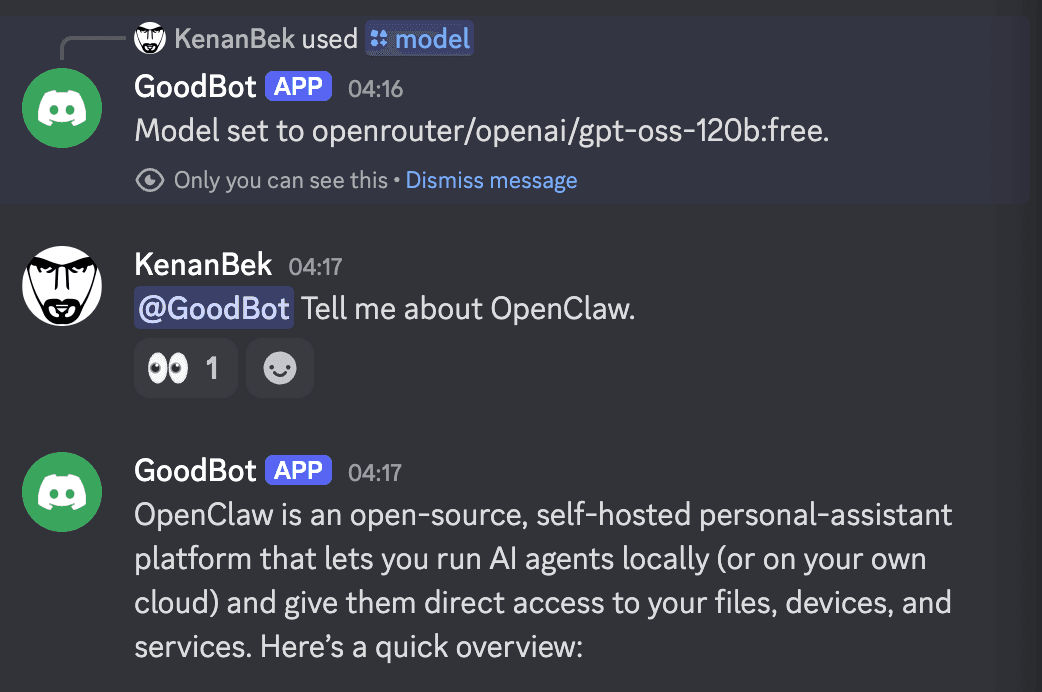
Use backup mode when your primary key is rate-limited, when your provider has a temporary issue, or when you want lower-priority traffic to keep moving while you troubleshoot.
Recommended free models for OpenClaw backup
Two practical options:
openrouter/openai/gpt-oss-120b:freefor general assistant trafficopenrouter/qwen/qwen3-coder:freefor coding-heavy tasks
If you are unsure which to test first, start with openrouter/openai/gpt-oss-120b:free.
The free model catalog can change over time, so treat /model list as the source of truth for what is currently available on your instance.
Why this matters for OpenClaw hosting and VPS setups
For teams running OpenClaw hosting, OpenClaw VPS, or OpenClaw cloud deployments, this gives you a clean fallback path without re-deploying your server.
It is especially useful for OpenClaw managed hosting setups where uptime matters more than squeezing maximum model quality out of every request.
If you are comparing setup options, these pages help:
Limits to expect on free fallback
Free backup models are useful for uptime, but they are not equivalent to your paid primary model.
Expect:
- slower responses during busy periods,
- more variable output quality,
- weaker reliability on long, multi-step reasoning.
For production-critical tasks, switch back to your BYOK primary model after the incident window.
Paid backup budget with BYOK (status)
Today, BYOK + Backup is optimized for free fallback models.
Support for paid backup budget alongside BYOK is planned, but not live yet. Until that ships, keep backup usage on :free models.
Learn the full flow
- OpenClaw Configuration Guide: BYOK + Backup Free Models
- How to Switch AI Models on Your OpenClaw Bot
- How to Manage OpenClaw AI Credits on ClawCloud
Command behavior reference: OpenClaw Models CLI, OpenClaw slash commands.