Something goes wrong with a bot and the first instinct is: SSH in, tail the logs, grep for errors. That works — but it's not a great way to run things when most users aren't system administrators.
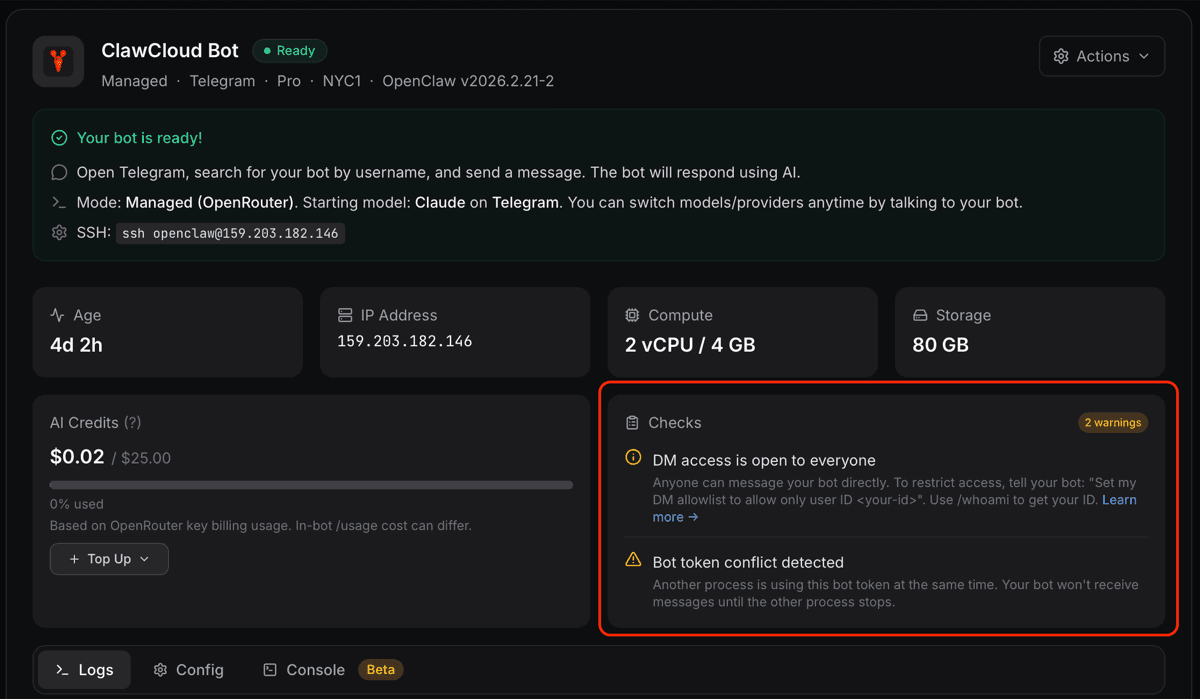
Starting with agent v1.5.3, ClawCloud instances can report issues directly to the dashboard. When the agent detects a known problem, a notice appears at the top of the instance panel. No log files, no terminal.
What triggers a health check
The Checks panel polls your instance every 10 seconds while the dashboard is open. Each poll asks the agent to scan the last 40 lines of the OpenClaw gateway log for known error patterns. Warnings appear and clear automatically — you don't have to reload anything.
Right now there's one check shipping: channel conflict detection.
If you're running a Telegram bot and another process starts polling the same token at the same time, Telegram throws a 409 error and your bot stops receiving messages. The error shows up in the logs — but without this check, you'd have no idea from the dashboard. Now it surfaces as a yellow warning with the message "Bot token conflict detected."
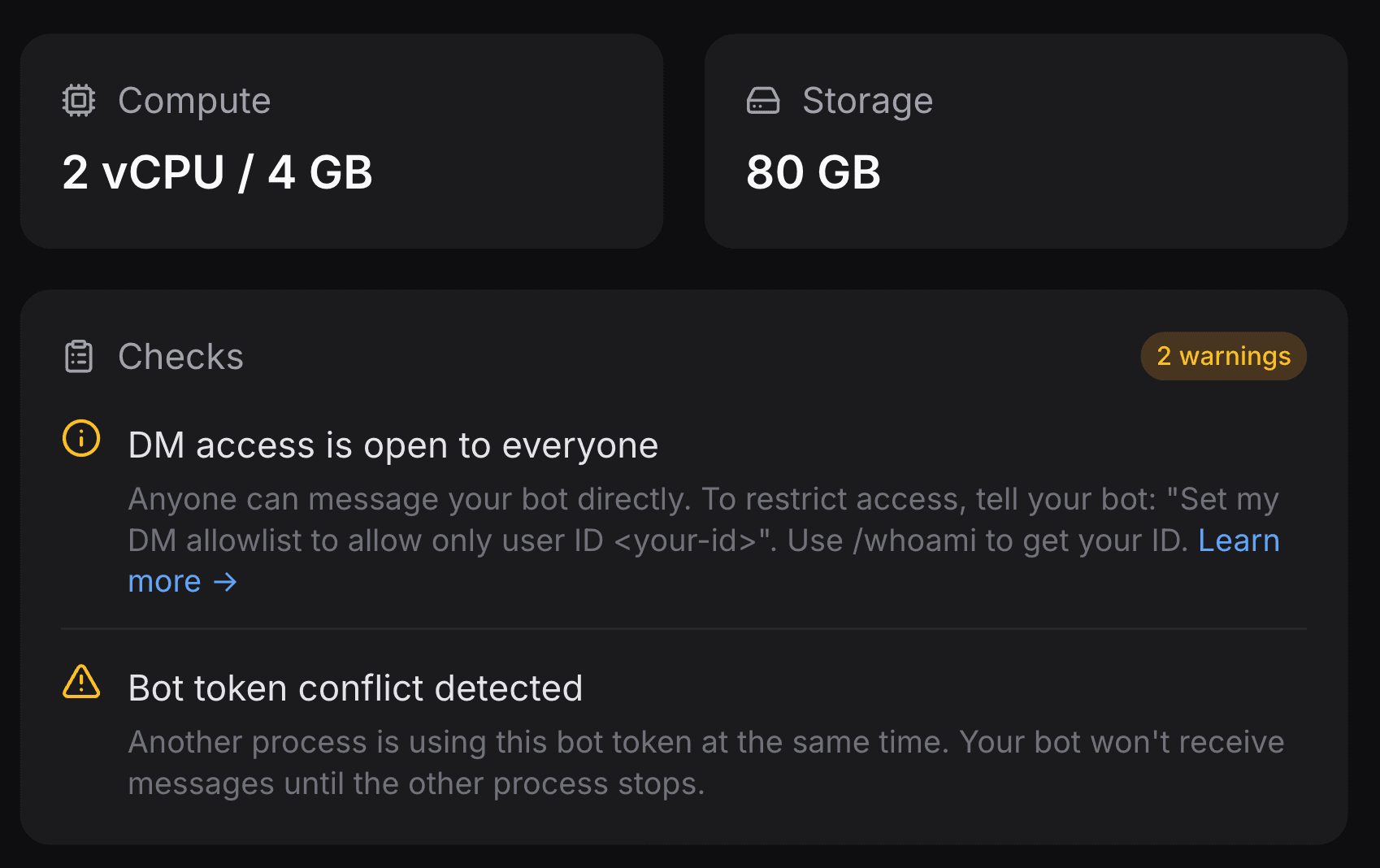
The most common cause: a local copy of the bot running on a laptop during testing, left running after a deploy. It quietly holds the token and the production instance never gets its messages.
The fix is straightforward — stop the competing process, then use the Restart Gateway action in the dashboard. More detail in the dashboard warnings guide.
Other notices you might see
Channel conflict is the first automated check, but the dashboard also shows two other conditions based on your bot's config:
- DM access restricted — your bot is in pairing mode and new users can't message it directly. Clearing this takes one click in the Settings tab.
- Free model active — your instance is on a free model, either by choice or because your plan's credits ran out before the billing cycle reset.
These were there before v1.5.3 — what's new is that agent checks now come back through the same system, so they render alongside the config-level notices in a consistent way.
How it works under the hood
The agent exposes a /meta endpoint that the dashboard polls when you open an instance. In v1.5.3, that response now includes a checks array alongside the usual health and operational status fields.
Each check is a small function in checks.js on the agent. The function receives the current config and a slice of the gateway log, and returns a notice object (or nothing, if everything looks fine). Adding new checks in the future means touching one file, no frontend changes required.
The check for channel conflict came directly from a real support case — a user's bot had been silently broken for hours and there was no obvious signal in the dashboard. That pattern seemed worth detecting automatically.
More checks will come as common failure modes show up. If your OpenClaw instance runs into something that took you a while to diagnose, let us know — there's a good chance it can be automated.