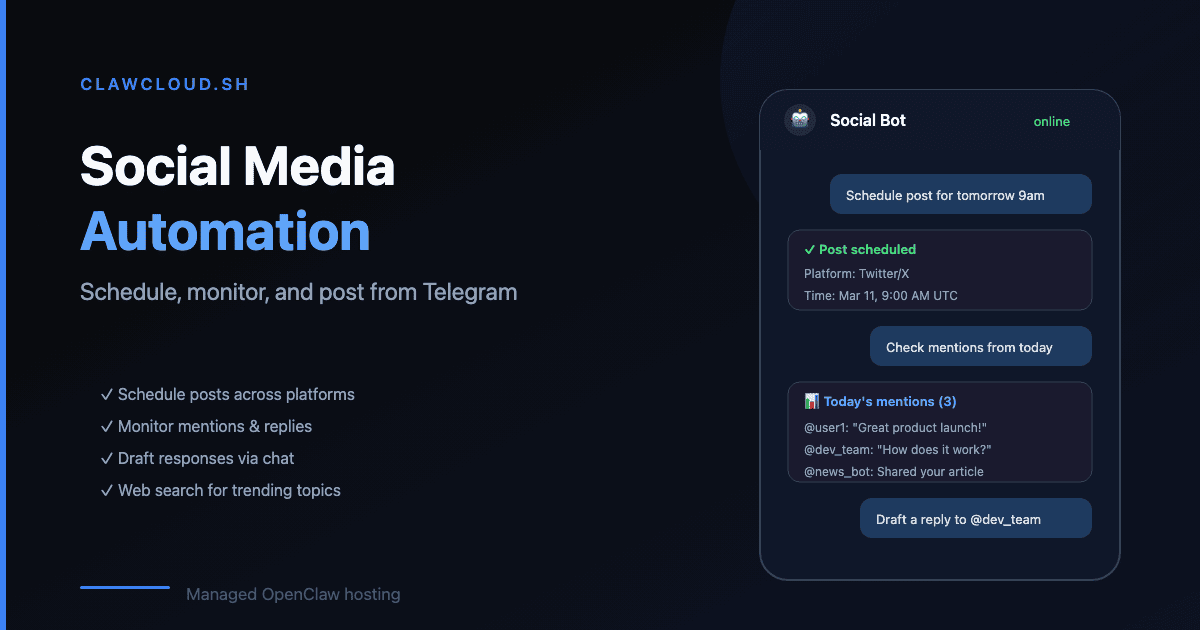
People on Reddit keep asking the same thing: can OpenClaw handle social media automation? The answer is yes, with some caveats about how it works.
The problem with manual social posting
If you manage social media for yourself or a small brand, you know the drill: open five tabs, write the post, schedule it, check analytics, reply to comments, repeat. Tools like Buffer and Hootsuite exist, but they cost money and you still need to sit at a computer to use them.
What if you could send a Telegram message from your phone — "post this to Twitter tomorrow at 9am" — and it just happened?
How OpenClaw handles it
OpenClaw connects to Telegram and Discord as channels. You message it like a person. The AI processes your request and can execute tasks through skills — installable capabilities that give the bot access to external tools.
The workflow looks like this:
- You send your bot a message on Telegram: "Draft a tweet about our new feature launch."
- The bot writes a draft and sends it back to you for review.
- You say "post it" or "schedule for 3pm EST."
- The bot executes through a web automation skill, using the browser tools OpenClaw ships with.
The key part: your bot runs 24/7 on a server. You don't need your laptop open. You don't need a specific app. You send a Telegram message and the bot handles the rest.
What you can do
- Content drafting. Tell the bot to write post variations for different platforms. It can adapt tone and length — short for X/Twitter, longer for LinkedIn.
- Scheduled posting. Skills with browser automation can interact with social platforms on a schedule. The bot stays online even when you're asleep.
- Monitoring. Ask the bot to check engagement metrics, summarize comments, or alert you when something needs attention.
- Multi-platform posting. Draft once, tell the bot to adapt and post to multiple platforms with different formatting.
What to keep in mind
OpenClaw isn't a dedicated social media tool. It's a general AI assistant that can be pointed at social tasks through skills. Some limitations:
- Skill availability varies. Check ClawHub for social media-related skills. Not every platform has a polished skill yet.
- Social platforms require manual login. Sites like X/Twitter have strict anti-bot detection. The recommended flow is to log in yourself in the agent's isolated browser profile, then let the automation run from that session — see Browser Login.
- Browser-based automation can break. Social platforms change their interfaces. Skills that rely on browser automation need updates when that happens.
- It's only as smart as the model. Draft quality depends on which AI model your bot uses. If you need consistently good copywriting, pick a capable model — see how to choose without overpaying.
Pricing
Any ClawCloud plan works for social automation. Telegram and Discord are available on all plans:
| Plan | Price | What you get |
|---|---|---|
| Lite | $29/mo | 2 vCPU, 2 GB RAM, Telegram + Discord + Feishu |
| Pro | $49/mo | 2 vCPU, 4 GB RAM, all channels including WhatsApp |
| Max | $109/mo | 4 vCPU, 8 GB RAM, all channels, higher traffic capacity |
Add managed AI credits if you don't want to bring your own API key. The Small tier (+$13/mo, $8 credit budget) covers light use. Medium (+$30/mo, $25 budget) is better if you're generating multiple posts daily.
For setup help, see the Telegram bot guide or Discord bot guide. For installing skills, see the skills guide.