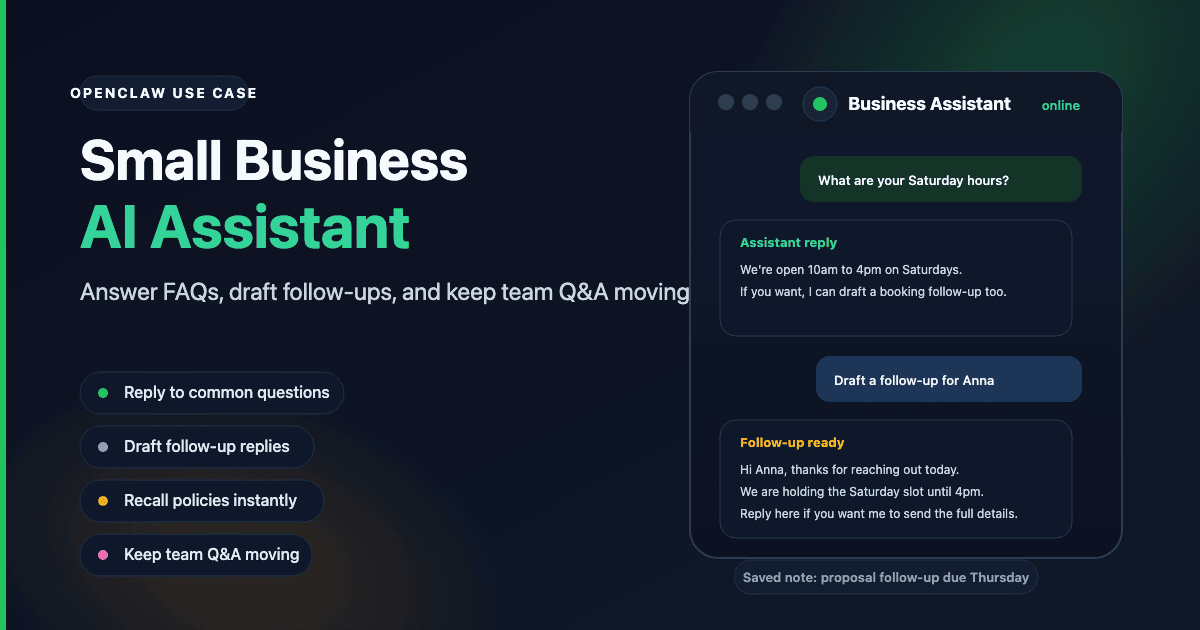
AI tools for small business: what actually gets used
Most AI tools for small business are either too expensive, too complex to set up, or designed for enterprise teams. The ones that stick are the ones that fit into how work already happens.
For most small businesses, work happens in messaging apps. Clients reach out over WhatsApp. The team coordinates in Telegram. Customer questions come in through a group chat. An AI chatbot that lives in those apps where the conversation already is — that is one people actually use.
OpenClaw runs as a bot in Telegram, Discord, WhatsApp, and other channels. ClawCloud manages the server so you do not need a developer to set it up or keep it running.
The tasks it handles well
Customer inquiries and FAQ answers
Add the bot to a Telegram group or WhatsApp channel where customers reach you. Configure a system prompt with your business's key information: services, pricing, hours, policies. The bot answers common questions consistently and immediately, with no one waiting for a staff member to respond.
For questions that need a real person, you review and respond. The bot handles the rest.
Team Q&A and internal lookups
Staff can ask the assistant about processes, product details, or policies without waiting for a manager. Answers are consistent, searchable in chat history, and available at any hour. Useful for onboarding new staff or covering common questions during busy periods.
Follow-ups and reminders
Tell the bot what you need to follow up on. Check in later. For consultants, agencies, and service businesses where deals move through conversations and informal commitments, having a bot that remembers what you said is more useful than it sounds.
Content and copy
Draft a social media post, product description, or email from a brief. Get a few variations. Ask for edits. This works directly from the messaging app your team already uses, without switching to a separate writing tool.
AI chatbot for small business vs. a website chatbot
A website chatbot sits on your homepage and intercepts visitor questions. That is a different tool for a different job.
OpenClaw is for the conversations you are already part of — in your team channel, in the group where clients reach you, or in the messaging thread where your work actually happens. It is an internal and client-facing assistant for people who work in messaging apps, not a widget on a web page.
If you need a website chatbot, OpenClaw is not the right fit. If you need an assistant that lives in Telegram, Discord, or WhatsApp and helps with the work happening there, it is.
Why your own server matters
Unlike shared AI tools, your ClawCloud instance runs on a dedicated server. Your conversations, configuration, and data stay on that server. This matters for businesses that handle client information or want clear separation between their AI usage and shared consumer platforms.
See the OpenClaw docs for details on what the gateway controls and what data stays local.
Plan options and AI credits
All three plans include BYOK (bring your own key) by default. Optionally add the managed AI credits addon if you don't want to manage your own API key.
| Plan | Price | Managed Credits Addon | Channels |
|---|---|---|---|
| Lite | $29/mo | From +$9/mo ($8 budget) | Telegram, Discord |
| Pro | $49/mo | From +$9/mo ($8 budget) | Telegram, Discord, WhatsApp |
| Max | $109/mo | From +$9/mo ($8 budget) | All channels |
For most small businesses, Pro is the right fit. Add the Medium managed credits addon (+$28/mo, $25 budget) for moderate daily use on mid-tier models like Claude Haiku or GPT-4.1-mini, and get WhatsApp — which many customer-facing businesses prefer.
If your team exchanges dozens of messages daily or uses a more capable model like Claude Sonnet, add the Large credits addon (+$66/mo, $60 budget) for more room. If it's just a lightweight internal tool with occasional use, the Small addon (+$9/mo, $8 budget) covers it.
You can also bring your own API key (BYOK) if you already have an Anthropic or OpenAI account — in that case, usage is billed directly to your provider and no credits addon is needed.